Export or remove your data
How a builder downloads their leads, edits account details and asks for removal, and how a homeowner asks. It follows the Privacy page.
The Privacy page says what you can do yourself and what to ask for. It gives no timelines, so this article gives none either.
Export, as a builder
- Open Leads.
- Tap Download all leads (CSV). The Privacy page says you can export your leads at any time.
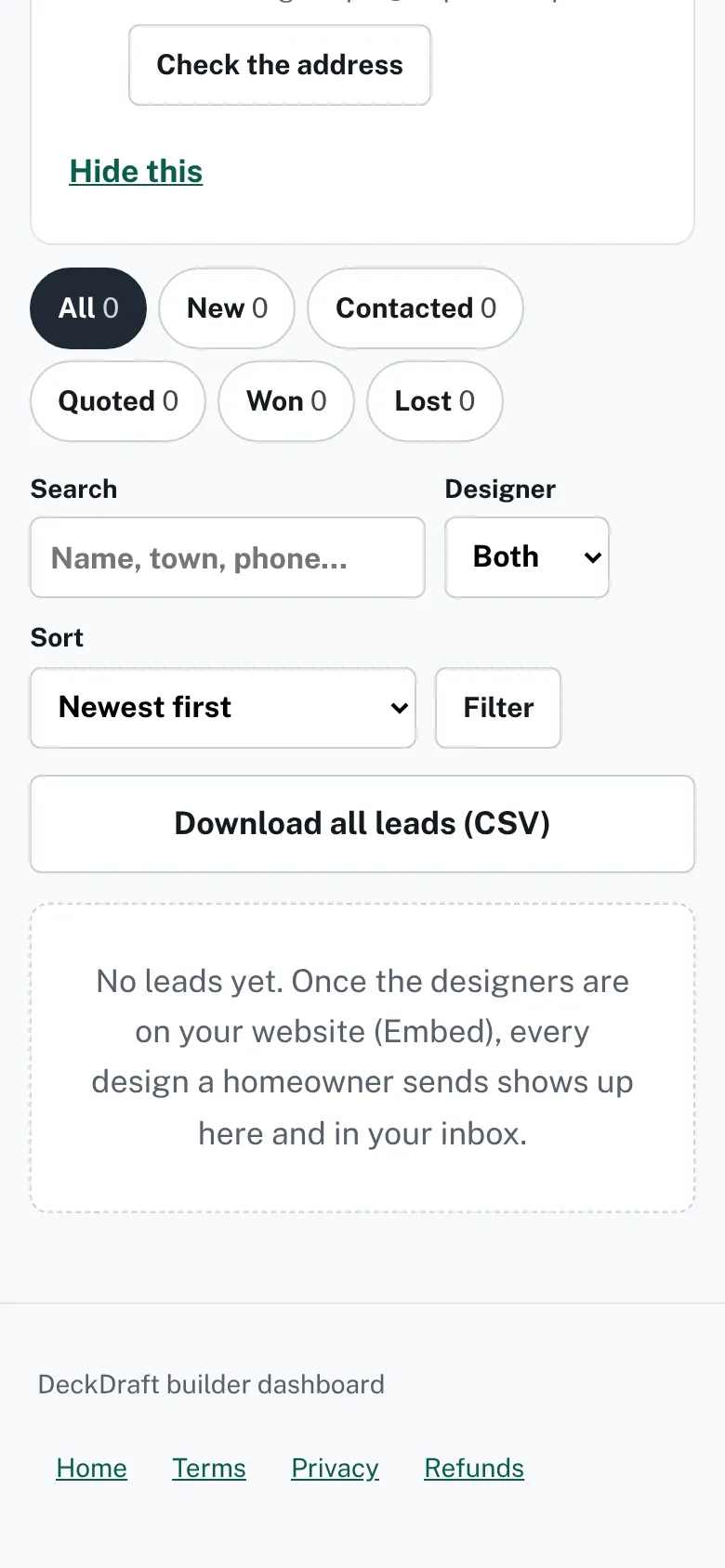
The Leads page with the Download all leads (CSV) button. - To get one lead’s design file, open the lead. Its page has a button for the file (JSON).

Fix account details
- The Privacy page says builders “can already edit their account details”. Use Settings. Remove the logo is there too.
- The dashboard has no button to delete a lead, except a test lead.
Ask for removal
- Open the Privacy page and go to See, fix or delete your information.
- Use the contact details on that page. The page says to tell them the email address you used.
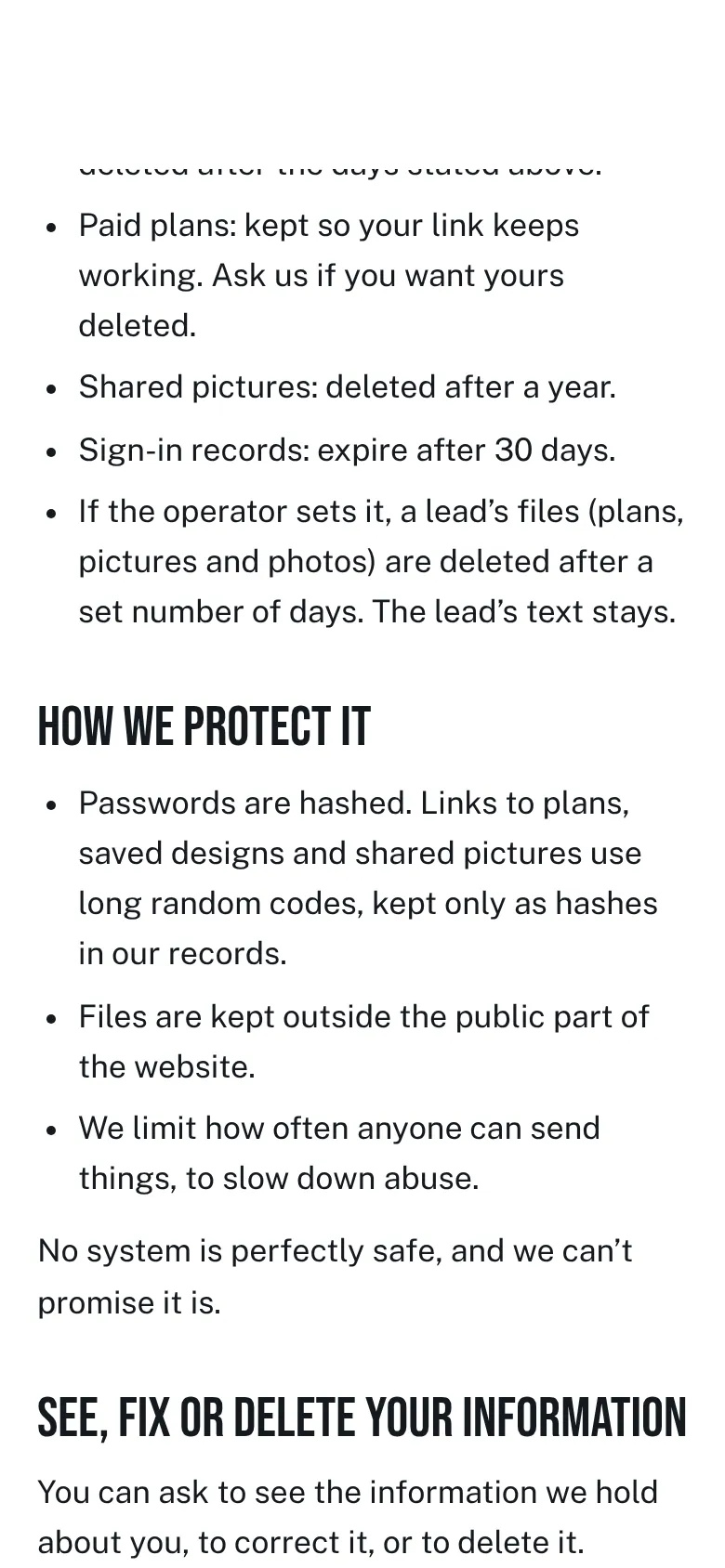
The Privacy page, section See, fix or delete your information. - Expect a check that it is you. The page says they “may need to check it is you.”

Homeowners
- The Privacy page says anyone can ask for their information to be deleted, through the same contact details.
- It also says to use the builder’s own privacy notice for what the builder does with a lead.
- Some things are kept for a reason, such as “a record of a payment, or a record that you unsubscribed”.
Checked against the product on 2026-11-19.