What an owner can do that a member cannot
Members see leads and settings. Only the account owner changes the team, billing, locations and where leads go.
There are two roles: Account owner and Member. The person who signed up is the owner. Everyone they invite is a member.
Steps
- As a member, open Team. You see everyone, but no Invite someone box and no Remove buttons.
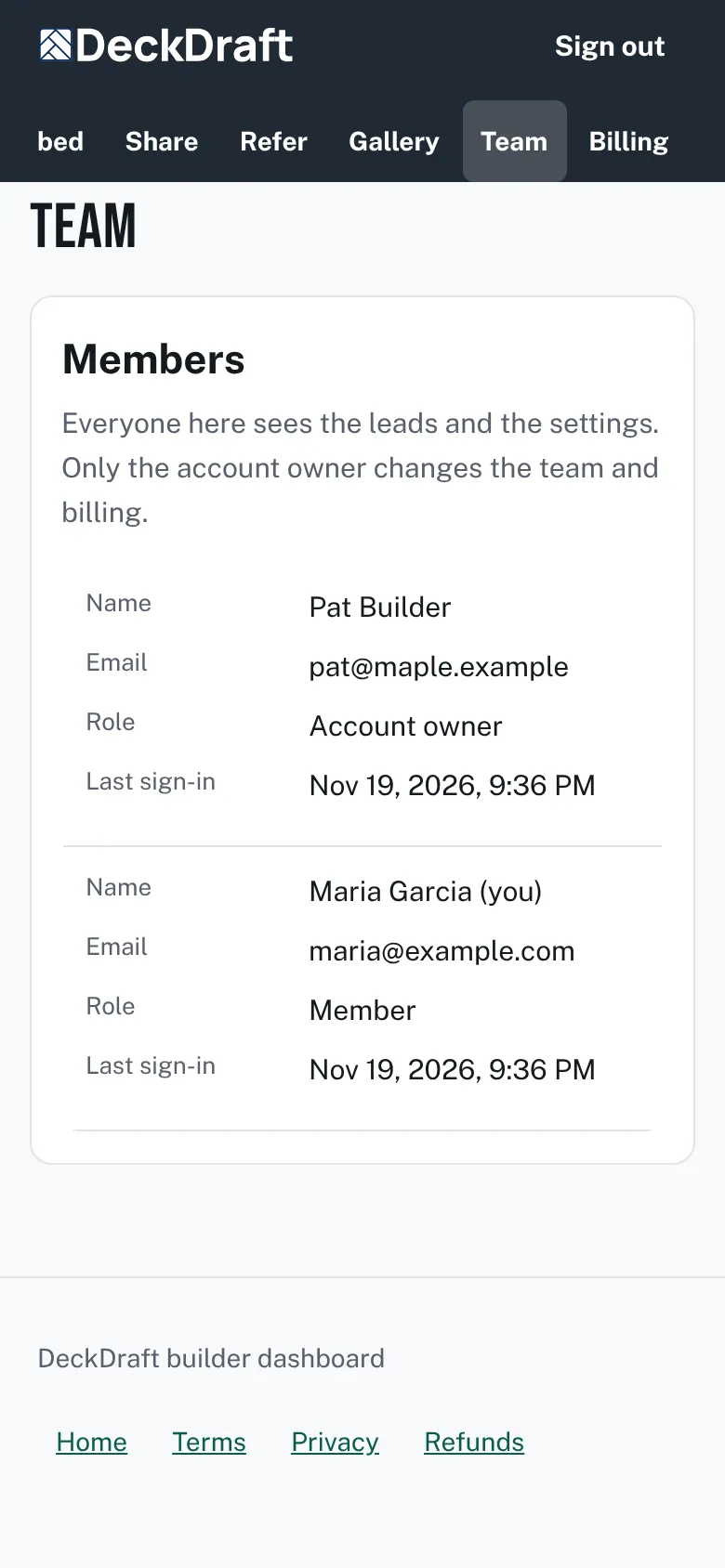
The Team page as a member sees it, with the list of people but no Invite someone form and no Remove buttons. - Open Billing. You see the plan and its status. Under them it says "Only the account owner can change billing."
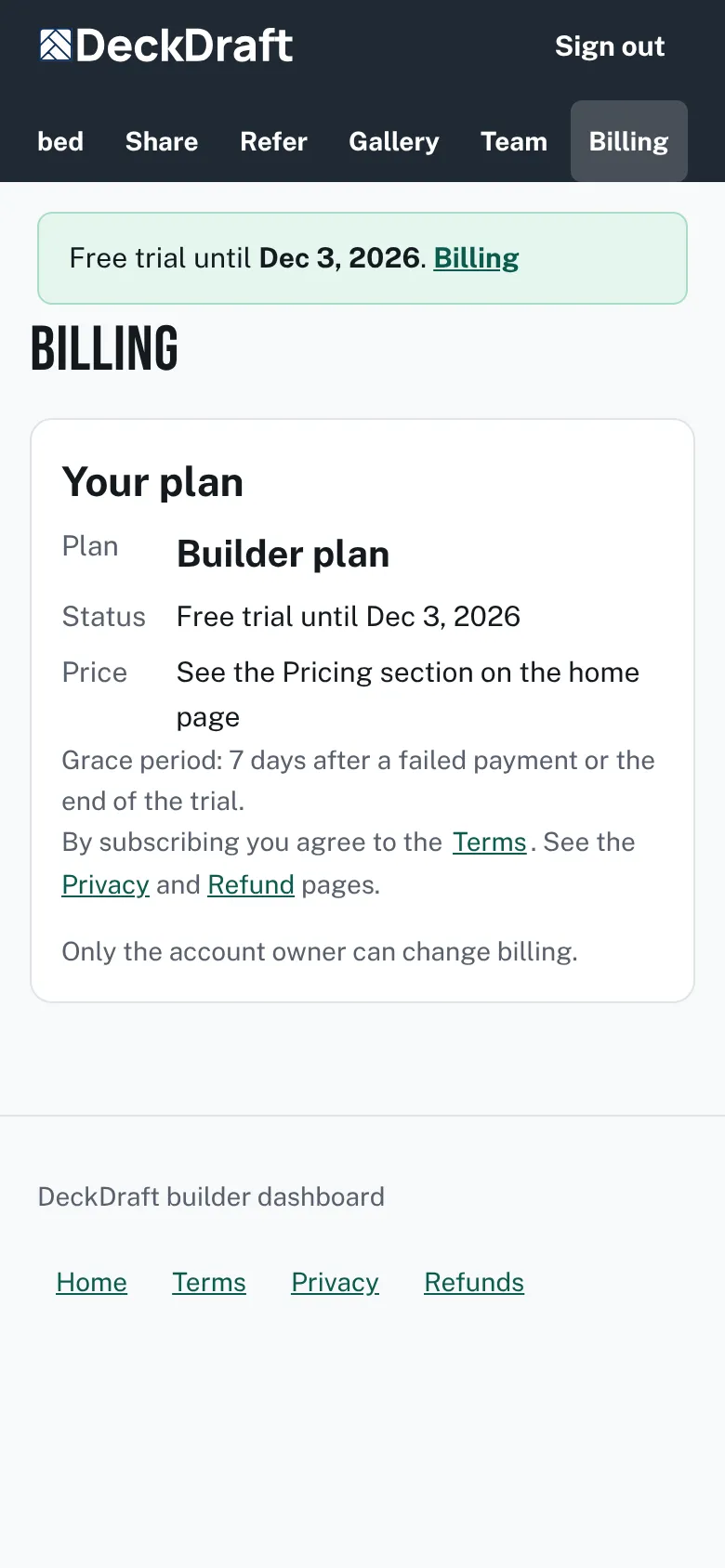
The Billing page as a member sees it, with the plan details and the line Only the account owner can change billing. - Open Settings. The Lead email addresses and Webhook address boxes are turned off. A note says only the account owner can change where leads go.
- Open Locations, if your menu has it. You can look at the list. Adding, editing and removing are for the owner.


What only the owner can change
- The team: invite, withdraw an invitation, remove a member.
- Billing: subscribe, open the billing page, change the plan.
- Where leads go: lead email addresses, the webhook and its secret, and API keys.
- The financing line that goes into estimates.
- Locations: add, edit, remove.
Good to know
- Members can open leads, change a lead's status, add notes and edit branding and offers.
- A member sees no lead email addresses or webhook in Settings. Those boxes are empty for them.
- To hand someone more power, ask the owner to make the change for you.
- Invite people here: Invite and remove teammates.
Checked against the product on 2026-11-19.