Choose railing and deck options
Switch on your railing types, deck extras, how new decks meet the house, and the footing distance from the house.
These cards on the Products page set the railing homeowners can pick, the extras they can tick, and how a new deck design starts.
Steps
- Open Products and go to Railing.
- Under Railing types, switch on the types you sell, such as Black aluminum or Framed glass.
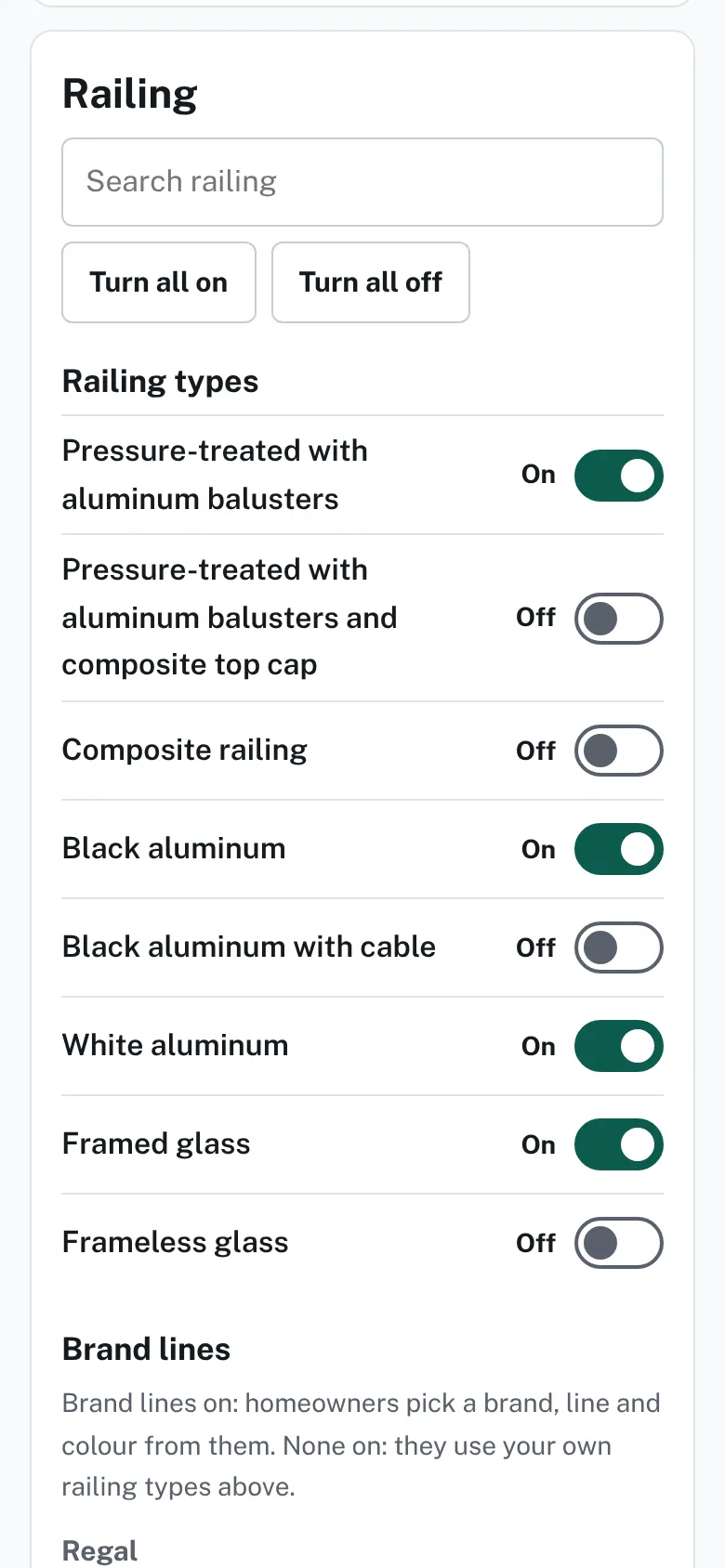
The Railing card with a search box and On or Off switches for each railing type. - Optional: under Brand lines, switch on lines. With none on, homeowners use your railing types.
- Go to How decks meet the house. Choose Attached to the house (ledger) or Freestanding (no ledger).
- In Keep footings this far from the house, type the number of inches. The designer keeps footings, piles and posts at least that far from the house wall.
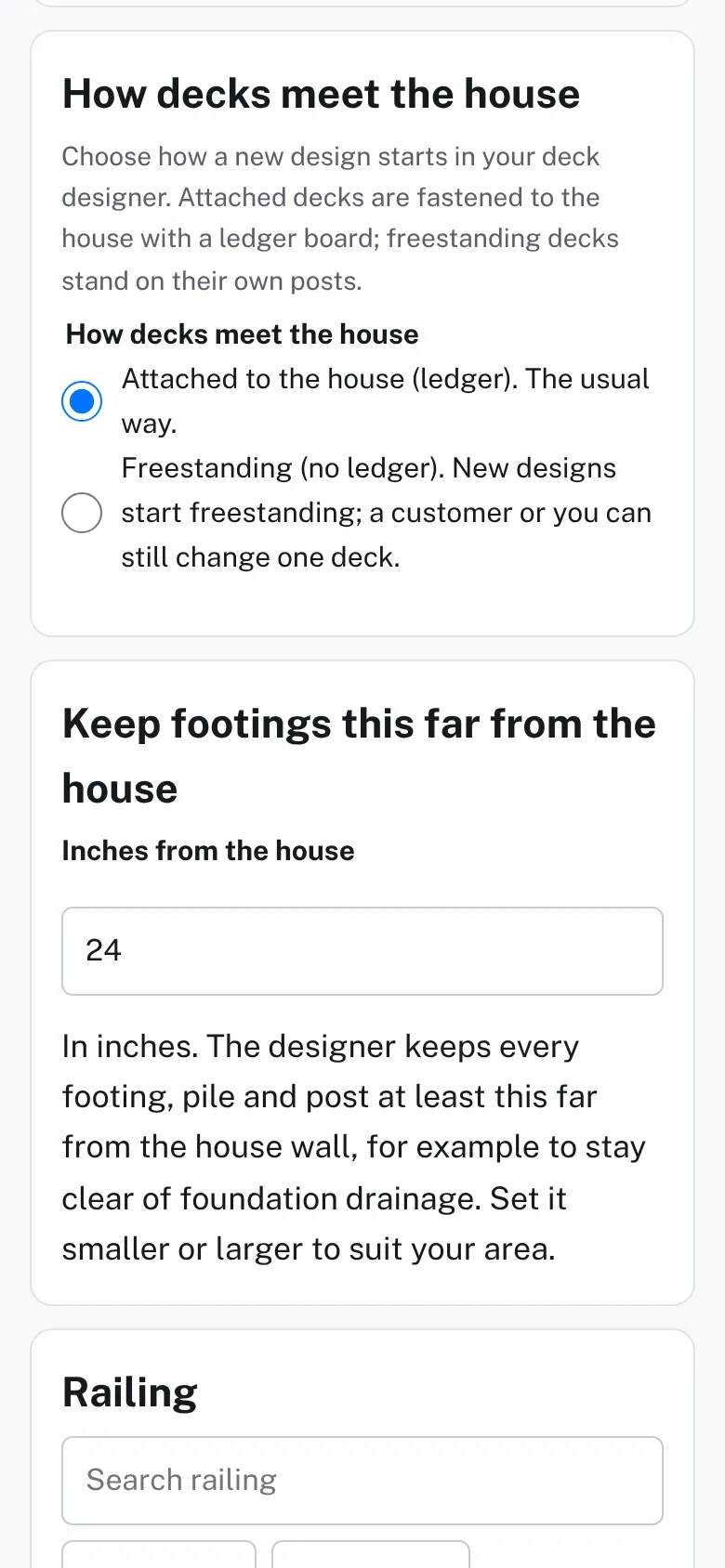
The How decks meet the house card with two choices, and the Keep footings this far from the house card with an inches box. - Go to Deck extras. Switch on the extras homeowners can tick.
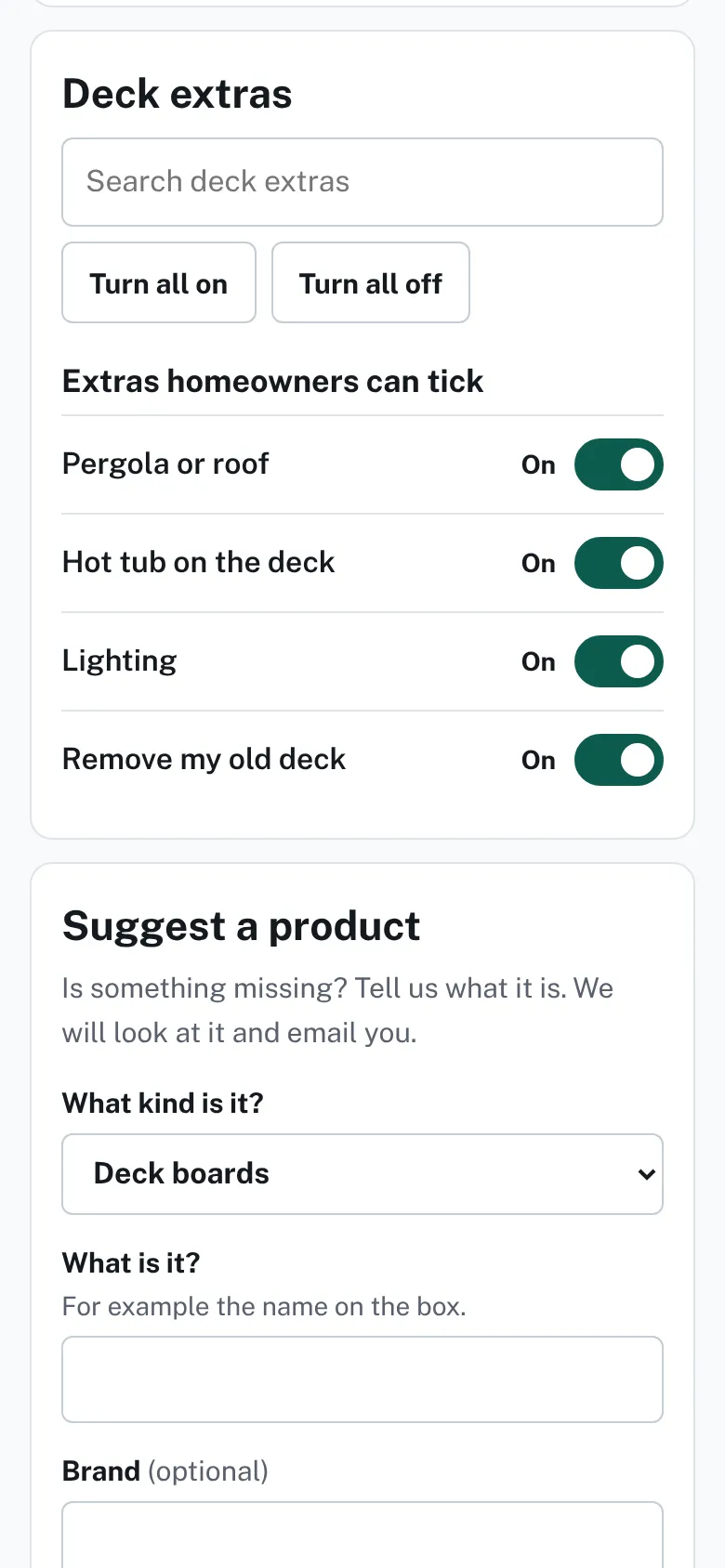
The Deck extras card with switches for pergola or roof, hot tub, lighting and removing an old deck.


Good to know
- Each tap saves at once. A number in the inches box saves when you leave the box.
- A number outside the allowed range is refused with a message under the box.
- The extras are Pergola or roof, Hot tub on the deck, Lighting and Remove my old deck.
- Freestanding means new designs start freestanding. A customer or you can still change one deck.
- At least one railing type and one extra stay on.
- See also Choose deck boards and colors.
Checked against the product on 2026-11-19.