Choose fence styles and heights
Switch on the fence styles and heights you build, and send DeckDraft a suggestion when a product is missing.
The Fence card on the Products page sets which fence styles and heights homeowners can pick in the fence designer.
Steps
- Open Products and go to Fence.
- Under Fence styles, switch on each style you build, from Wood privacy to Chain link.
- Under Fence heights, switch on the heights you build.
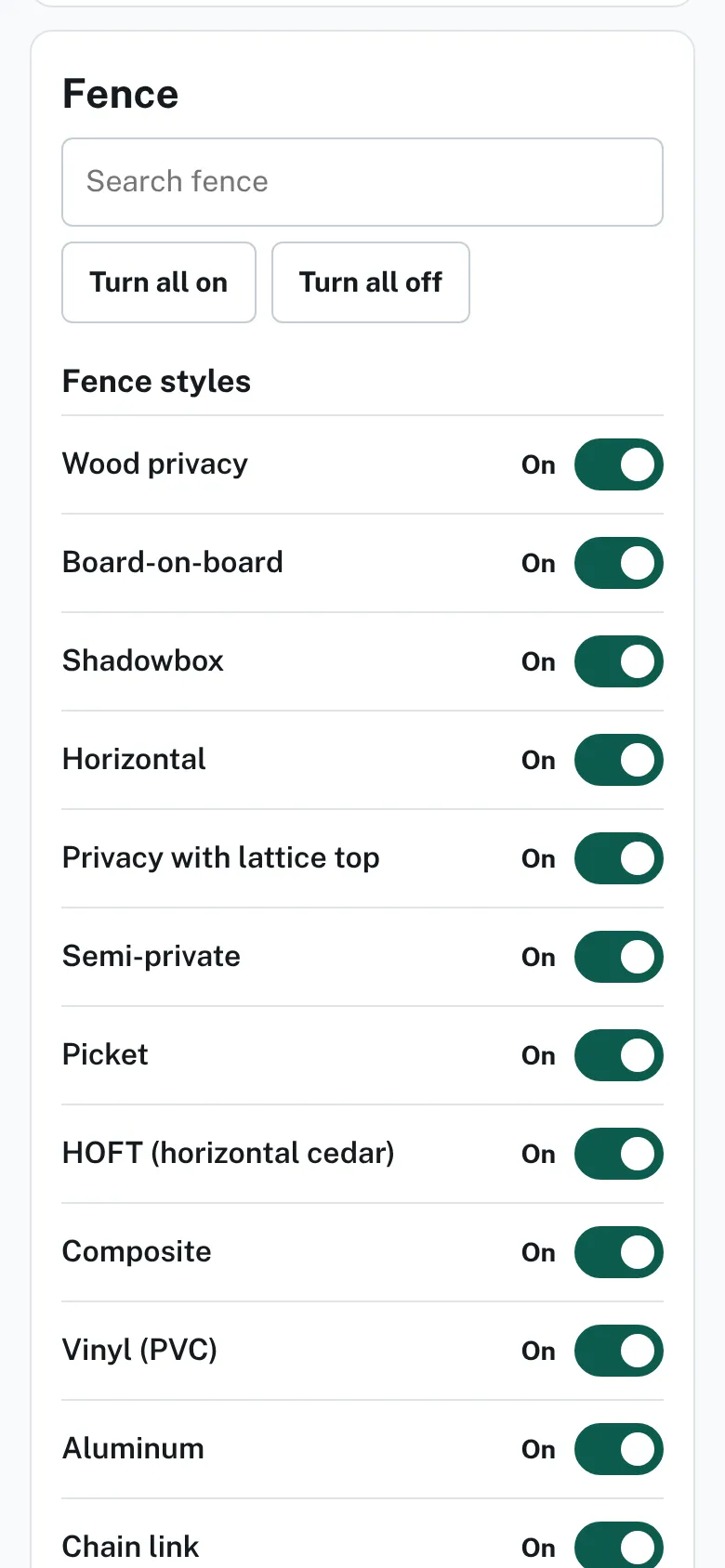
The Fence card with switches for fence styles such as wood privacy and picket, and for heights from 3 ft up. - Optional: under Brand lines, switch on a line. With none on, homeowners use your fence styles.
- If a product is missing, go to Suggest a product. Choose What kind is it? and type What is it?.
- Fill in any optional boxes, then press Send suggestion.
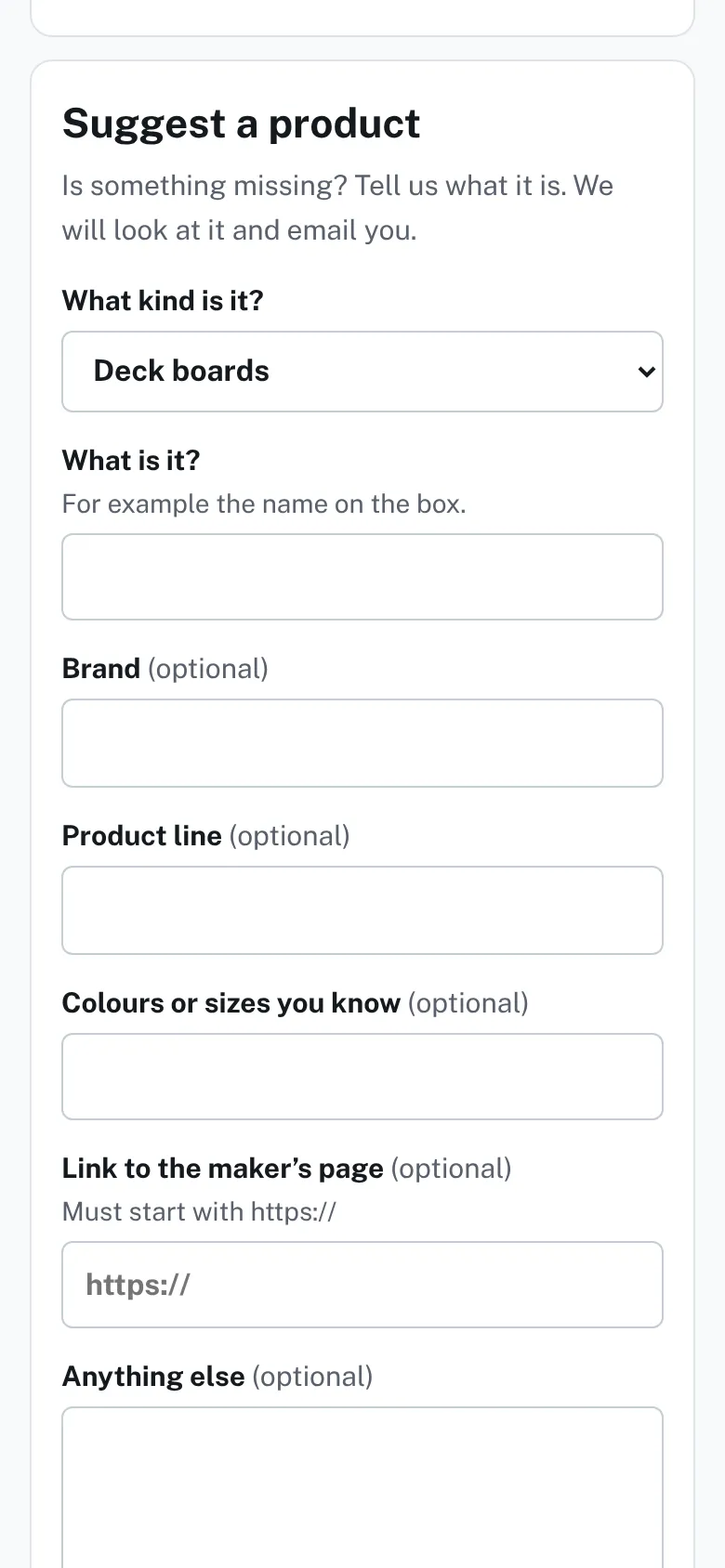
The Suggest a product form with a kind list, name, brand, product line, colors, link and notes boxes.


Good to know
- Each tap saves at once. At least one style and one height stay on.
- “Not sure yet” is a style too. Switch it on if homeowners may pick it.
- After you send a suggestion, the page says "Thanks. We saved it. You will get an email when we have looked at it."
- Your suggestion shows under Your suggestions with a label such as New.
- The fence price rows follow your styles and heights. See Type your prices.
- The link to the maker's page must start with https://.
- Deck products: Choose deck boards and colors.
Checked against the product on 2026-11-19.