Choose deck boards and colors
Turn on the board types, colors and brand lines you sell, and decide how seam boards show in your deck designer.
The Products page decides what homeowners can pick. Homeowners choose only from what is switched on.
Steps
- Open Products. The first card is Deck boards.
- Under Board types, switch on what you sell: Low maintenance (composite), Pressure-treated wood, or Both: pressure-treated and low maintenance.
- Under Board colors, switch on the colors you offer.
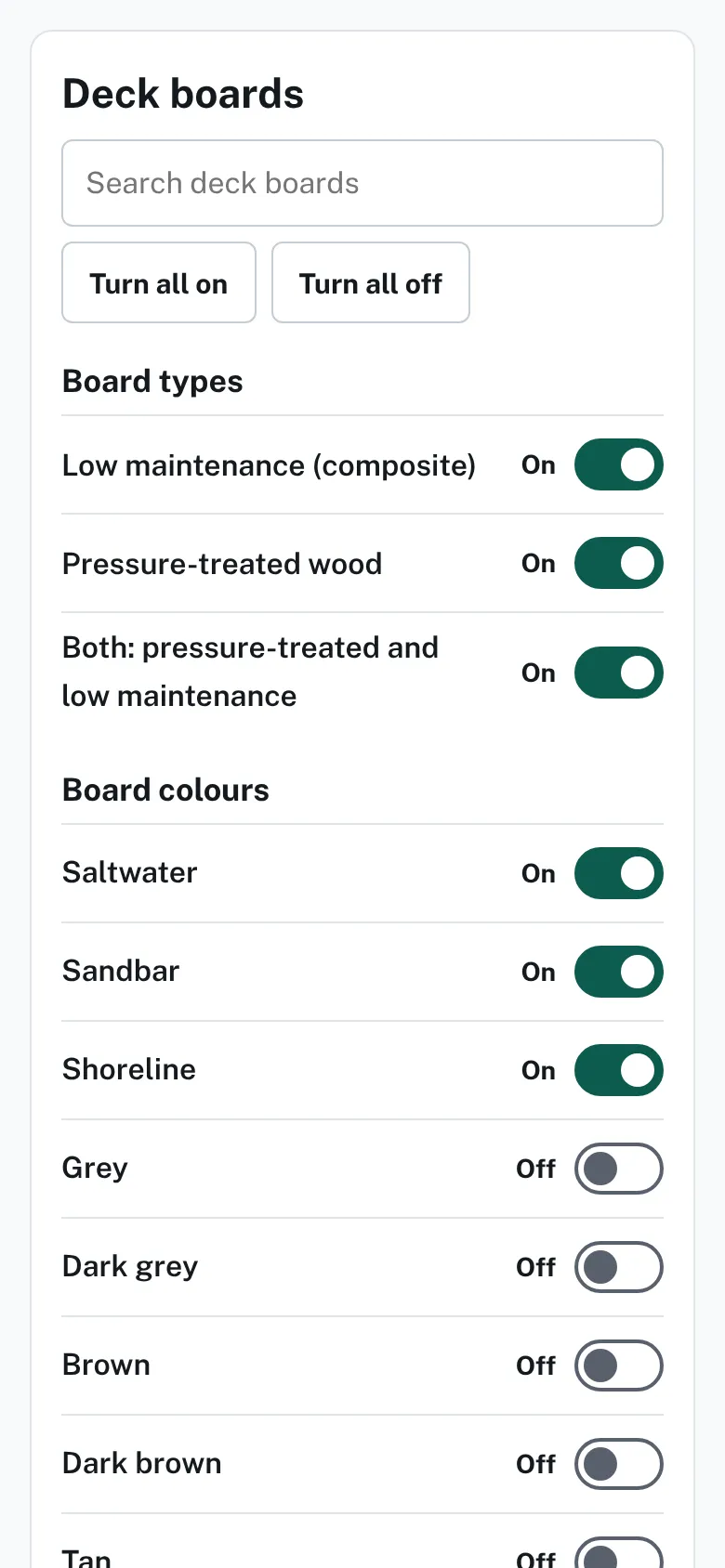
The Deck boards card on the Products page with a search box, Turn all on and Turn all off buttons, and On or Off switches for board types and colors. - Optional: under Brand lines, switch on a line. Homeowners then pick a brand, line and color from your lines.
- Use Search deck boards to find a row. Turn all on and Turn all off change the whole card.
- Scroll to Seam boards and choose one of the three options.
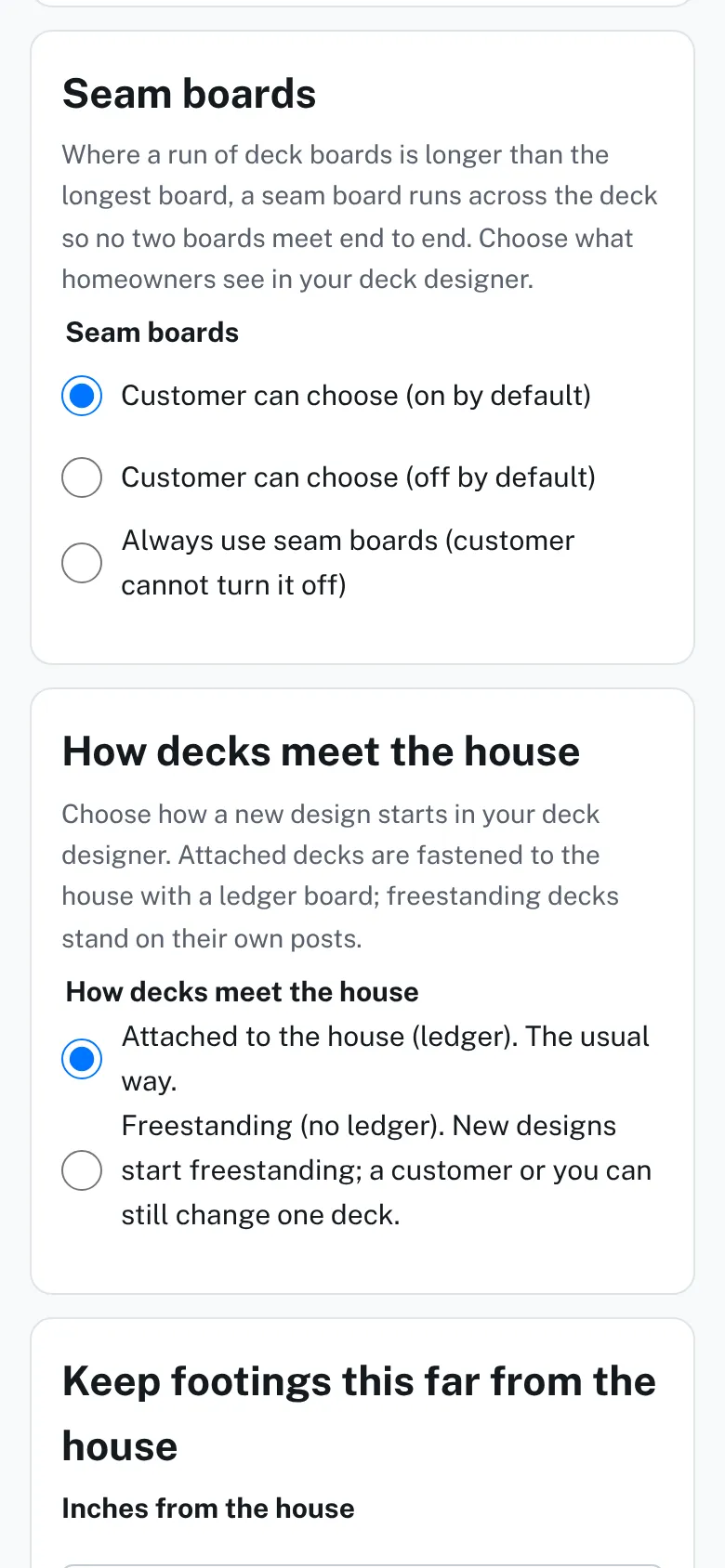
The Seam boards card with three choices for how seam boards show in the deck designer.


Good to know
- Each tap saves at once. The word "Saved" shows near the top of the page.
- At least one type and one color must stay on. If you press Turn all off, one is left on and the card says "Left one on: homeowners need at least one."
- With no brand line on, homeowners use your own color list. Brand lines start off.
- Seam boards: let customers choose with it on or off at the start, or always use them.
- Your price rows follow what you switch on. See Type your prices.
- Missing a product? See Choose fence styles and heights for the suggestion form.
- Railing and extras: Choose railing and deck options.
Checked against the product on 2026-11-19.