Type your prices
Type your own rates once on the Prices page, section by section, so every deck or fence lead can arrive with a draft estimate.
The Prices page holds your own rates. DeckDraft never fills one in for you. Only the materials and options you offer on Products are listed.
Steps
- Open Prices. The line under the title says "Nothing saved yet" until you save.
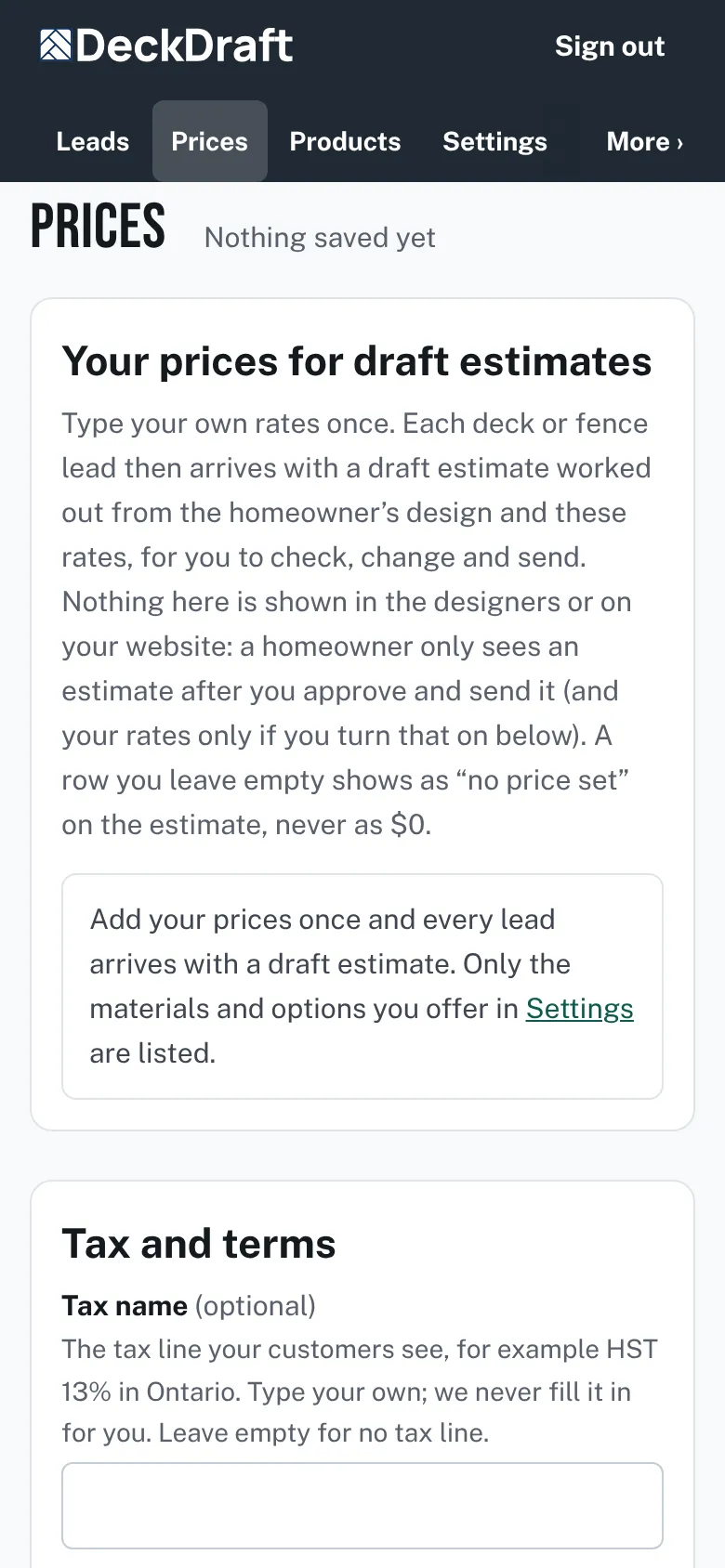
The top of the Prices page with the intro text, a note about adding prices, and the Tax and terms card starting below. - In Tax and terms, type a Tax name and a Tax percentage. Leave both empty for no tax line.
- Optional: type your Terms. They show at the foot of every estimate you send.
- In What homeowners see, tick Show my rates on estimates if you want each line to show your rate.
- Optional: type a Default markup % and Quotes are valid for (days).
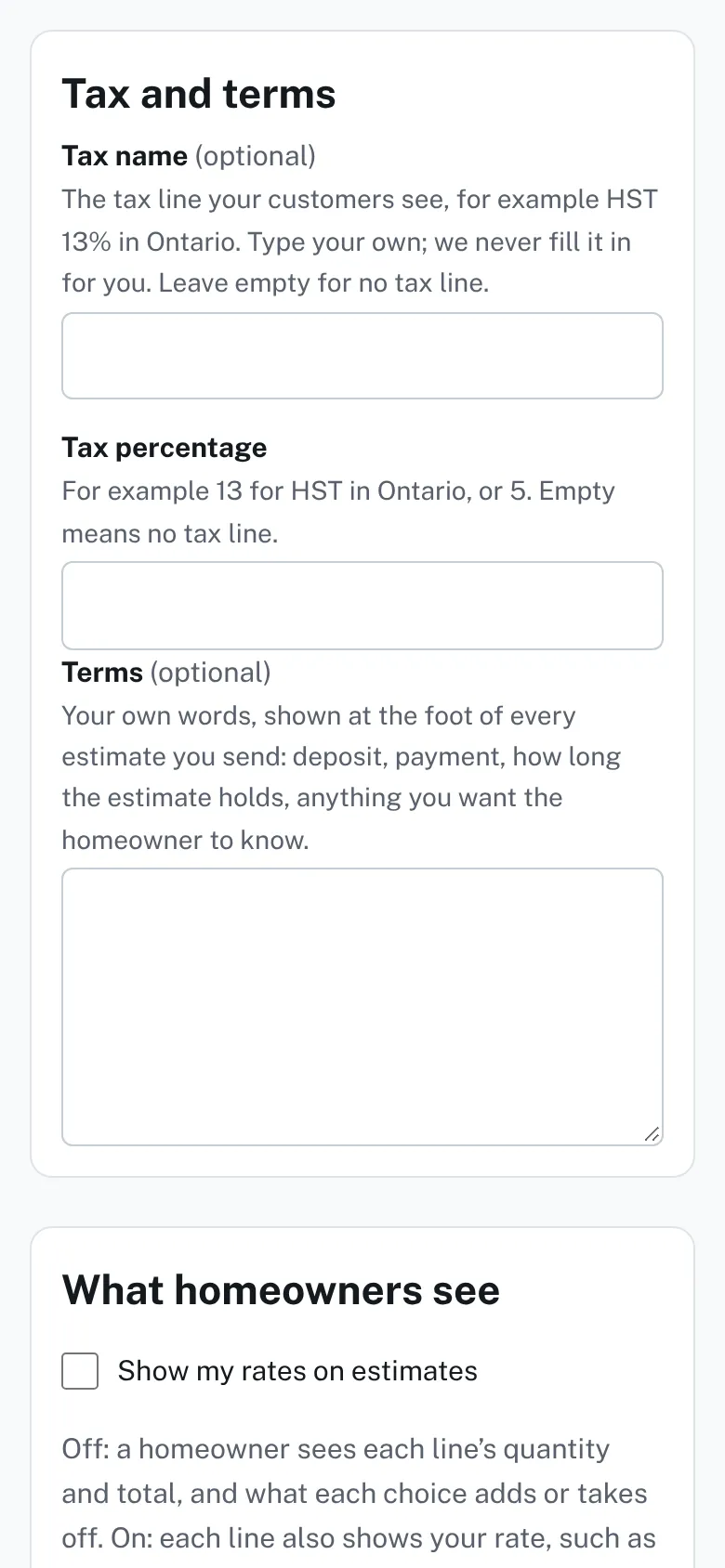
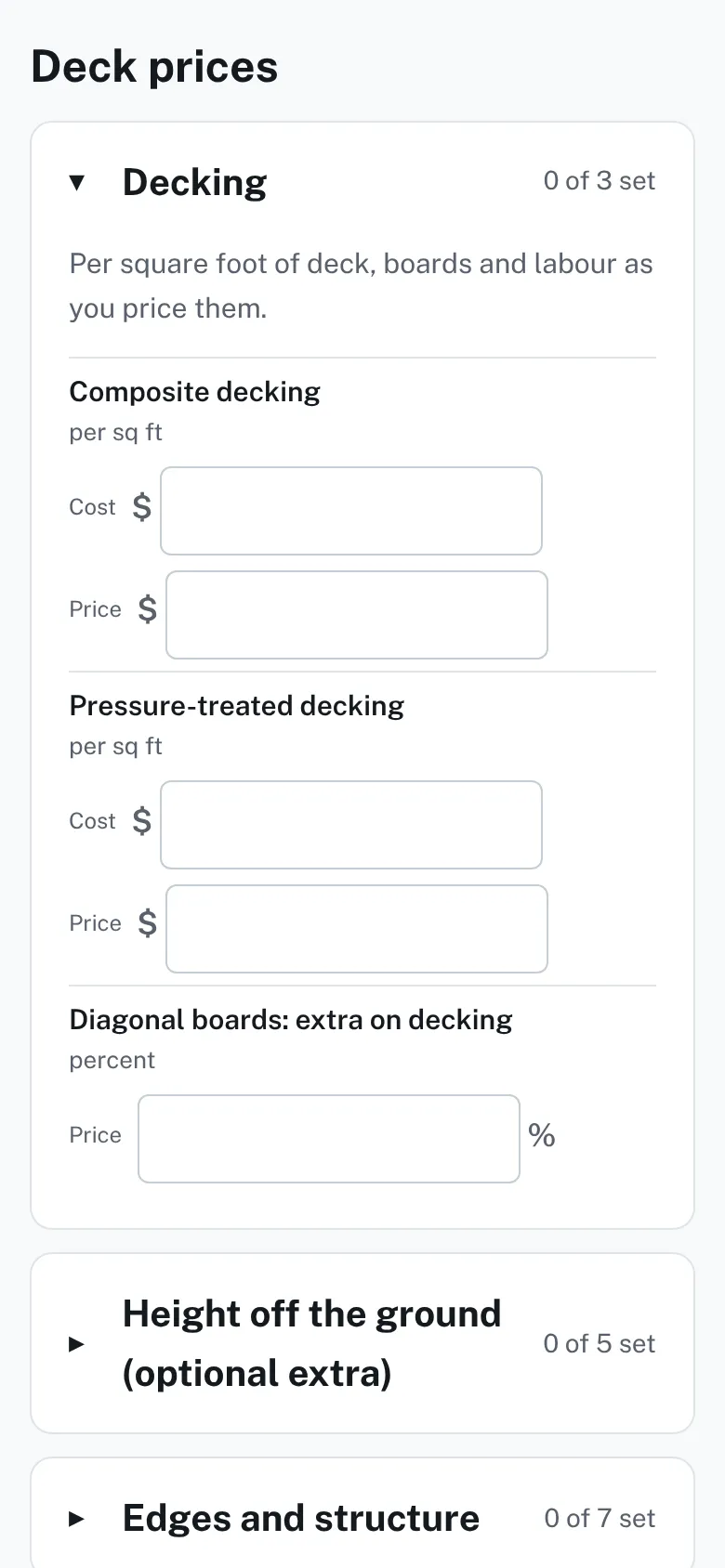
The Tax and terms, What homeowners see, and cost and markup cards on the Prices page. - Open a group under Deck prices, such as Decking. Type your rate in each Your price box.
- Optional: type what a row costs you in Costs you. With a markup set, an empty price fills from the cost when you save.
The Deck prices list with the Decking group open, each row showing a Costs you box and a Your price box, and other groups closed. - If you build fences, press Show all prices. Open Fences, per foot and fill in each style and height.
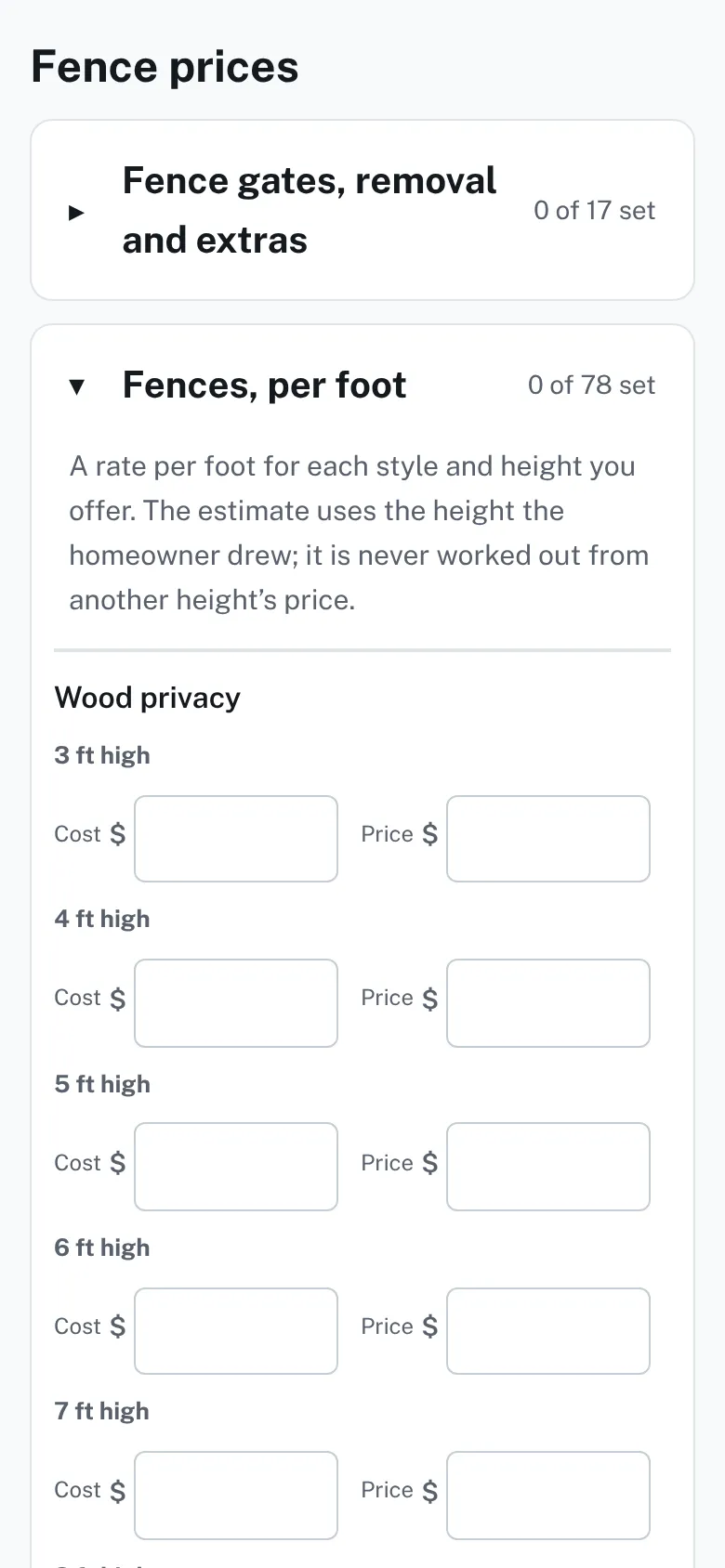
The Fence prices list with Fences, per foot open, showing a table of fence styles by height with a Cost box and a Price box in each cell. - Press Save prices. The page says "Saved. New and reopened leads use these prices."


Good to know
- The deck groups are Decking, Height off the ground, Edges and structure, Stairs, Deck railing, Stair railing, Skirting, Screens, roofs, lighting and built-ins and Removing an old deck. Fence groups include Fence gates, removal and extras.
- Each group shows how many rows are set.
- The page first shows the deck rows or the fence rows that match your leads, and a note says what is hidden. Show all prices shows both.
- A row you leave empty shows as "no price set" on an estimate, never as zero dollars.
- A row with a % sign beside its box takes a plain number, not a money amount.
- Costs, markup and profit are shown only to you and your team.
- Next: What a draft estimate is.
Checked against the product on 2026-11-19.