Forgot my password or my email link expired
How to reset your password from the sign in page, and what to do when a reset or confirmation link has expired or was already used.
You can reset your password yourself. Links that come by email can be used once.
Reset your password
- On the Sign in page, tap Forgot your password?
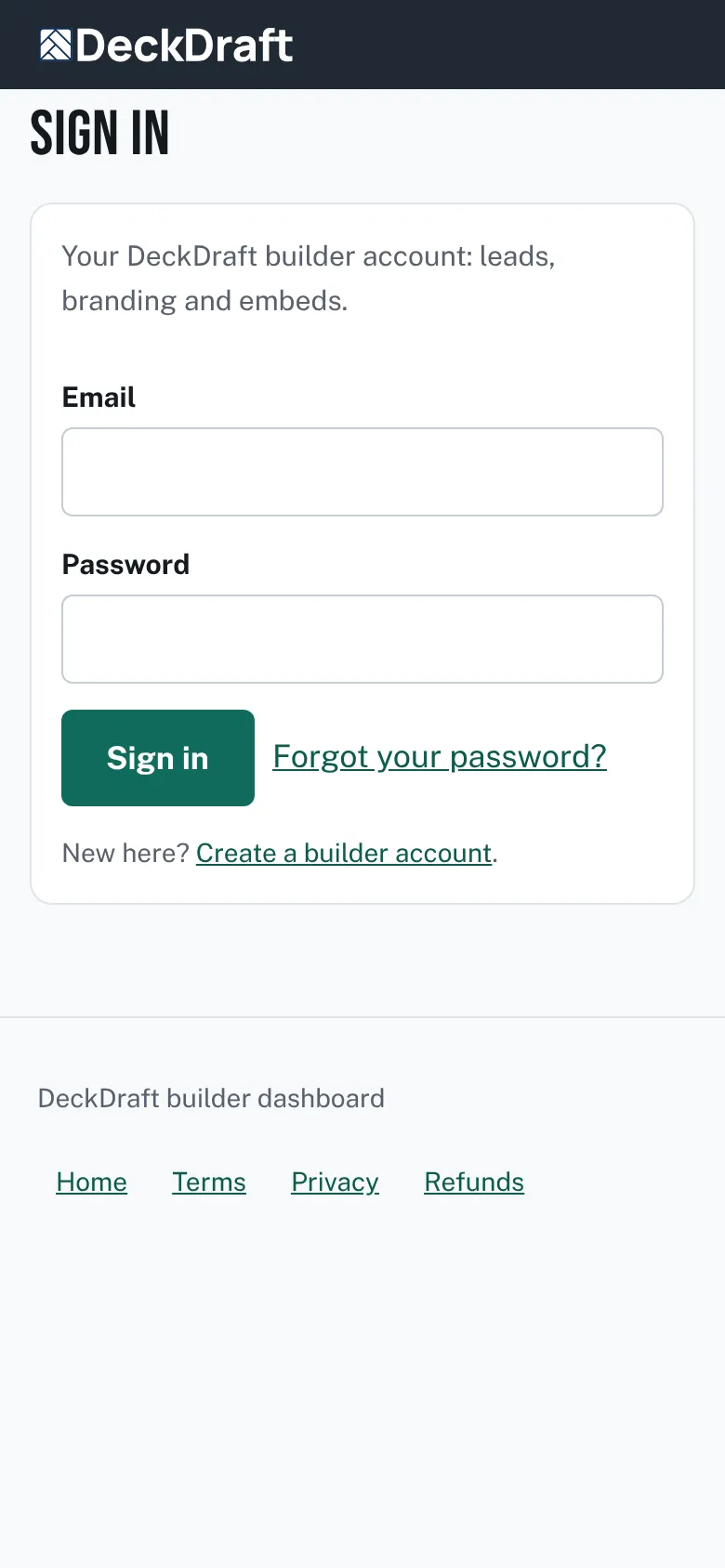
The Sign in page with a Forgot your password? link. - Type your email and tap Send the link. The page says a reset link is on its way and works for 2 hours.
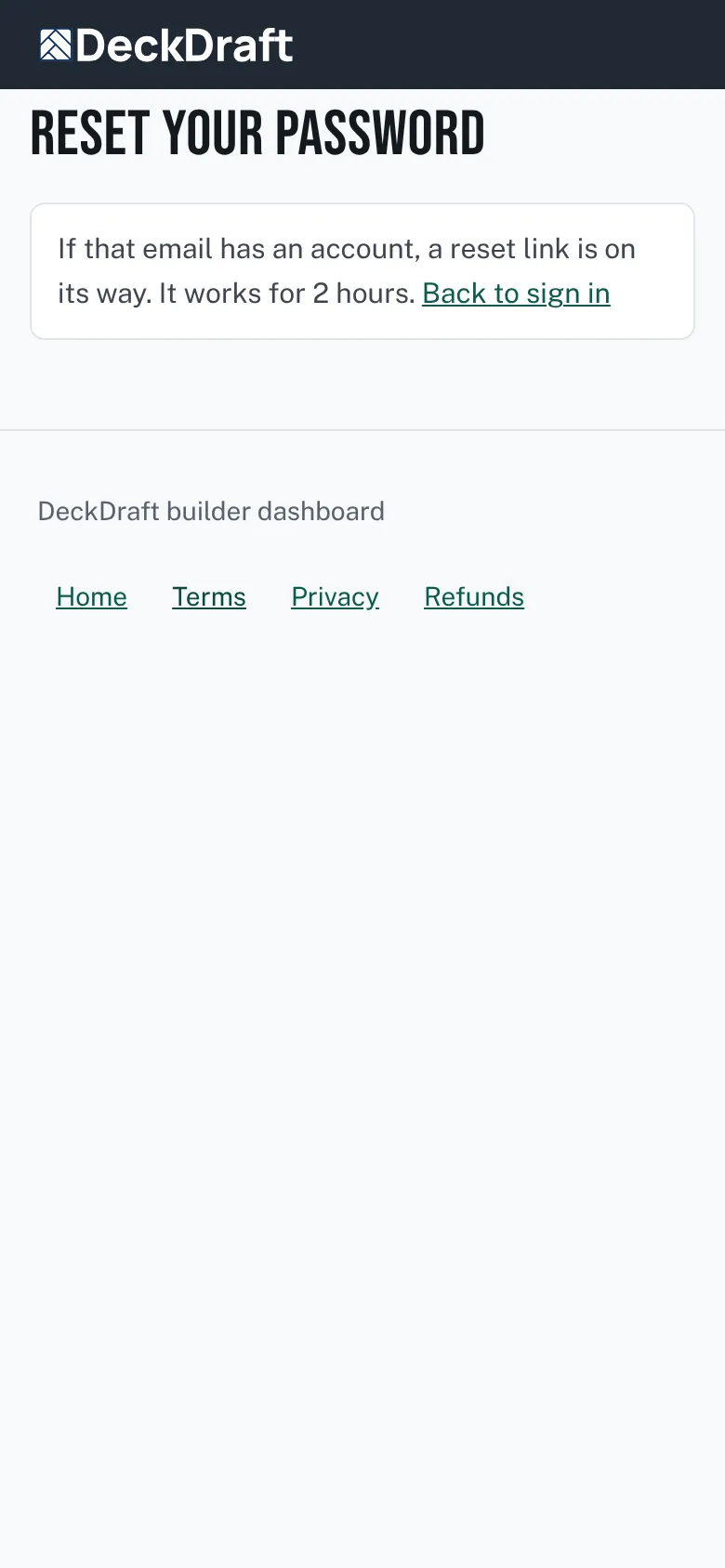
The Reset your password page saying a reset link is on its way. - Open the link in the email. Type a new password of at least 10 characters. Tap Save and sign in.


The reset link expired
- The page says That reset link has expired or was already used. Ask for a new one.
- Tap Ask for a new one and start again.
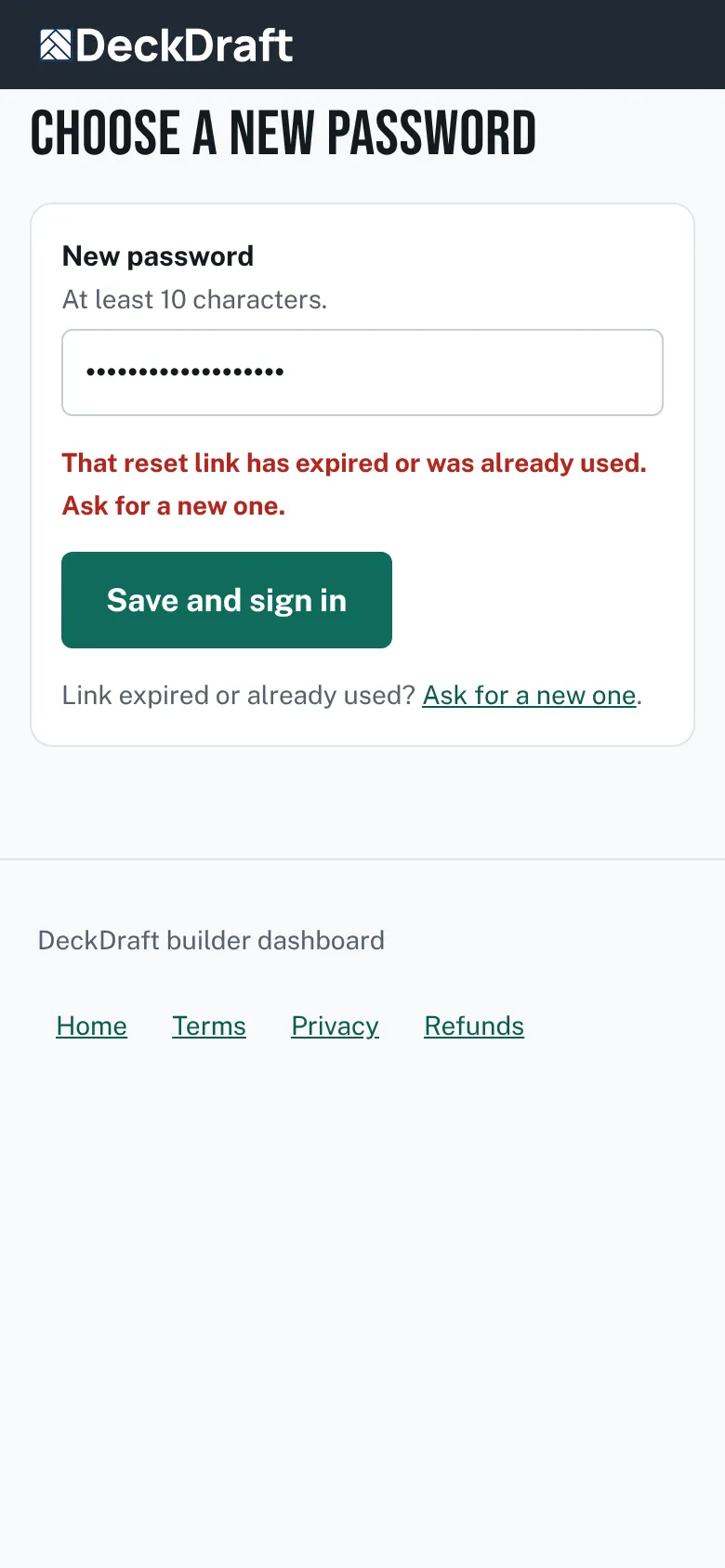
The Choose a new password page saying the reset link has expired.

The confirmation link expired
- The page says That confirmation link has expired or was already used. Sign in and ask for a new one.
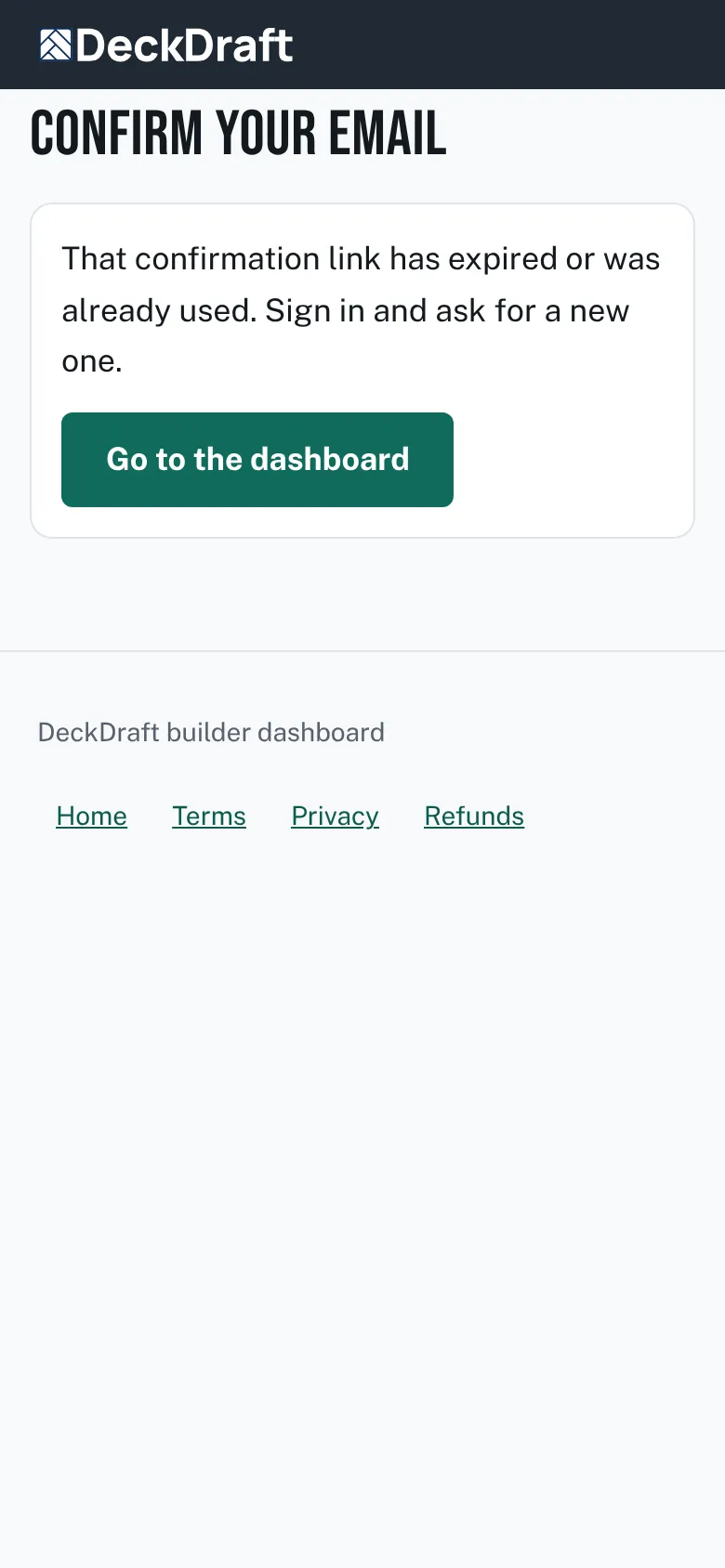
The Confirm your email page saying the confirmation link has expired. - Sign in. The banner at the top says Send the link again. Tap it, or use Send the confirmation email again in Settings.

Good to know
- The page does not say whether the email has an account. If nothing arrives, check the address you typed and your spam folder.
- A used link will not work a second time.
Checked against the product on 2026-11-19.