Style, review and send in the fence designer
The last steps in your fence designer: Style, Extras, Look it over and Send, and what you receive when a homeowner sends the design.
After the gates, the homeowner picks how the fence looks, answers a few questions, checks a summary and sends it to you.
Steps
- On Style, they pick a Fence style, a Color, a Height and, if they like, Top and post caps. The styles and heights are the ones you offer.
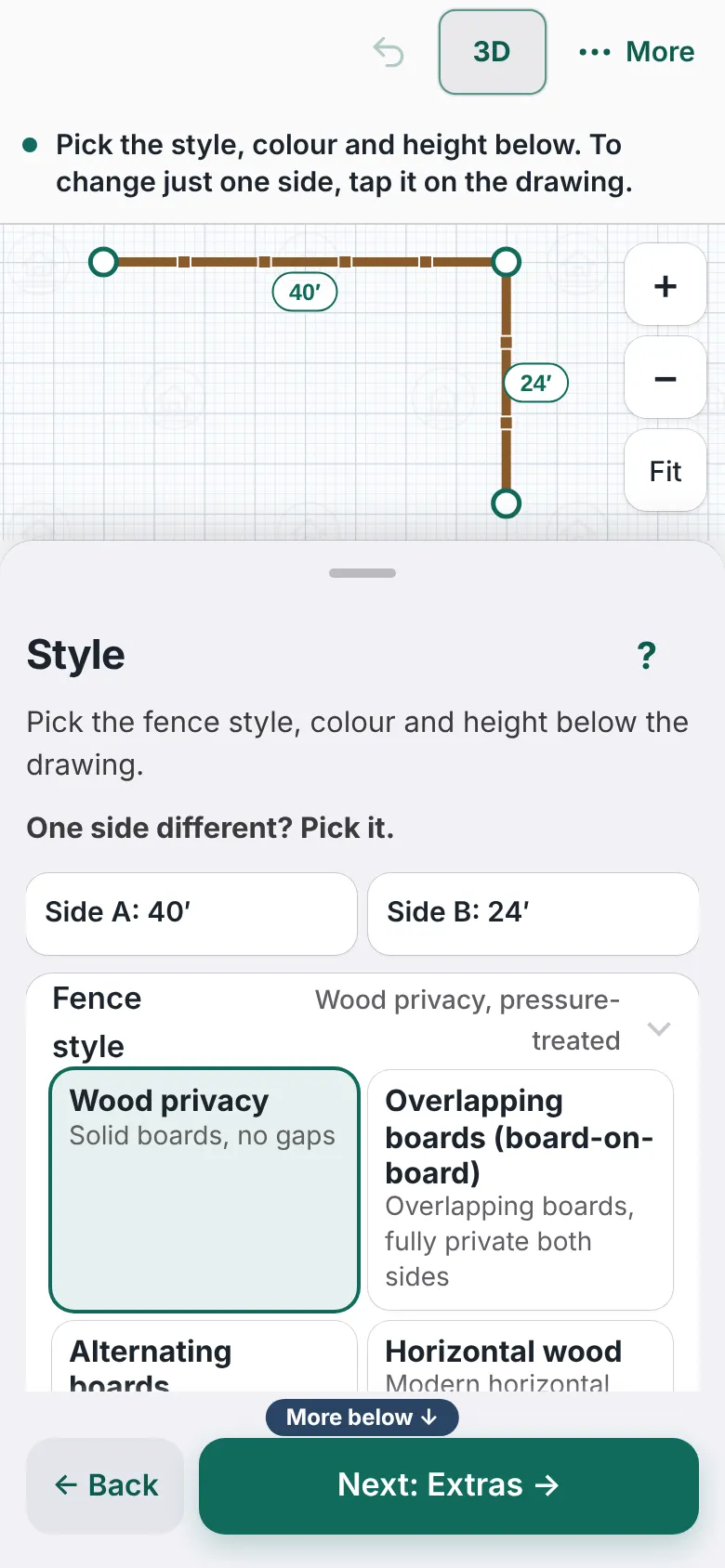
The Style step with a list of fence styles in the panel and the side buttons Side A and Side B above it. - One side different? They tap Side A, Side B and so on, and give that side its own height and style.
- On Extras, they answer Is there an old fence to take down? and Is the yard sloped where the fence goes?
- They can also tick Shared with a neighbor, Goes around a pool, Connects to the house or Keeps a dog in, and write notes.
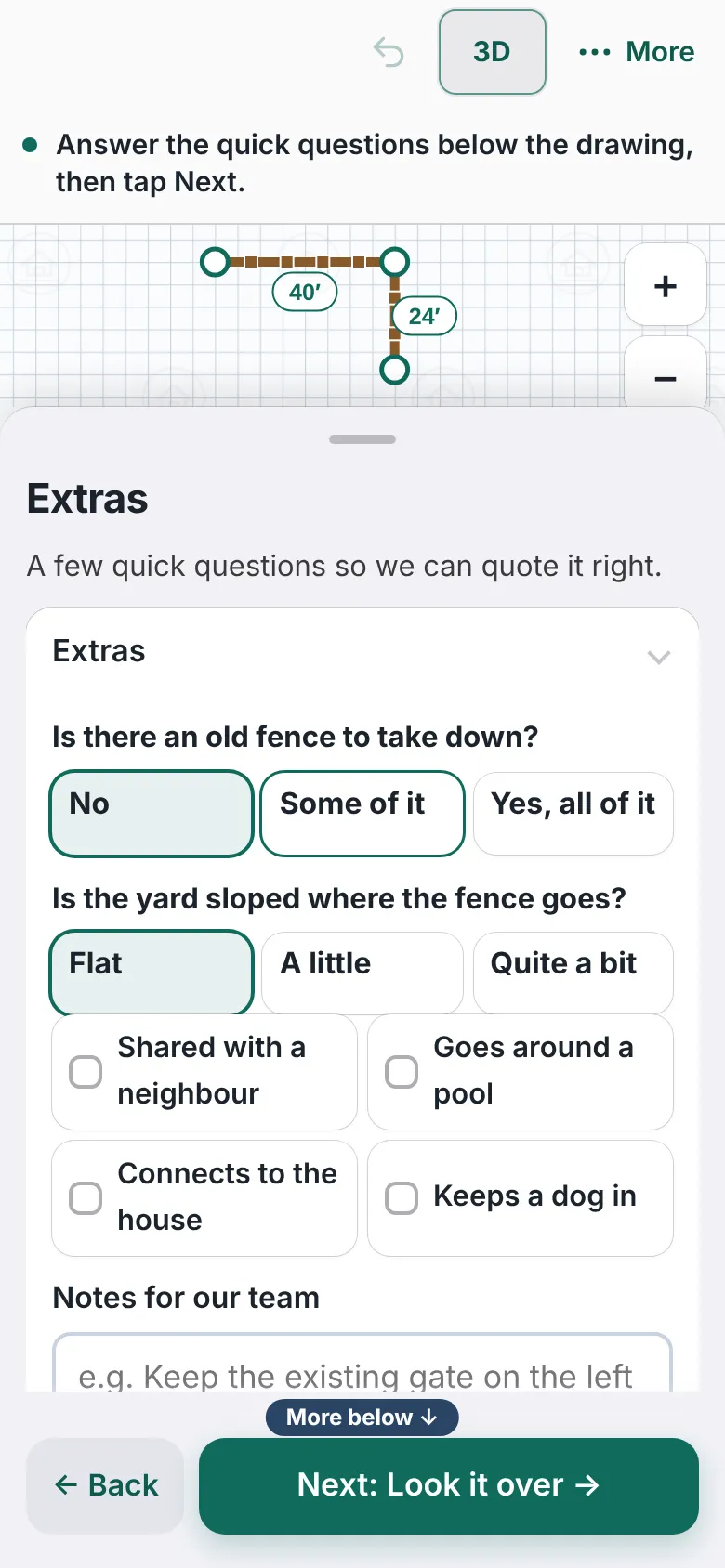
The Extras step with the questions about an old fence and a sloped yard. - On Look it over, they read the summary. Back changes something. Next: Send it to us carries on.
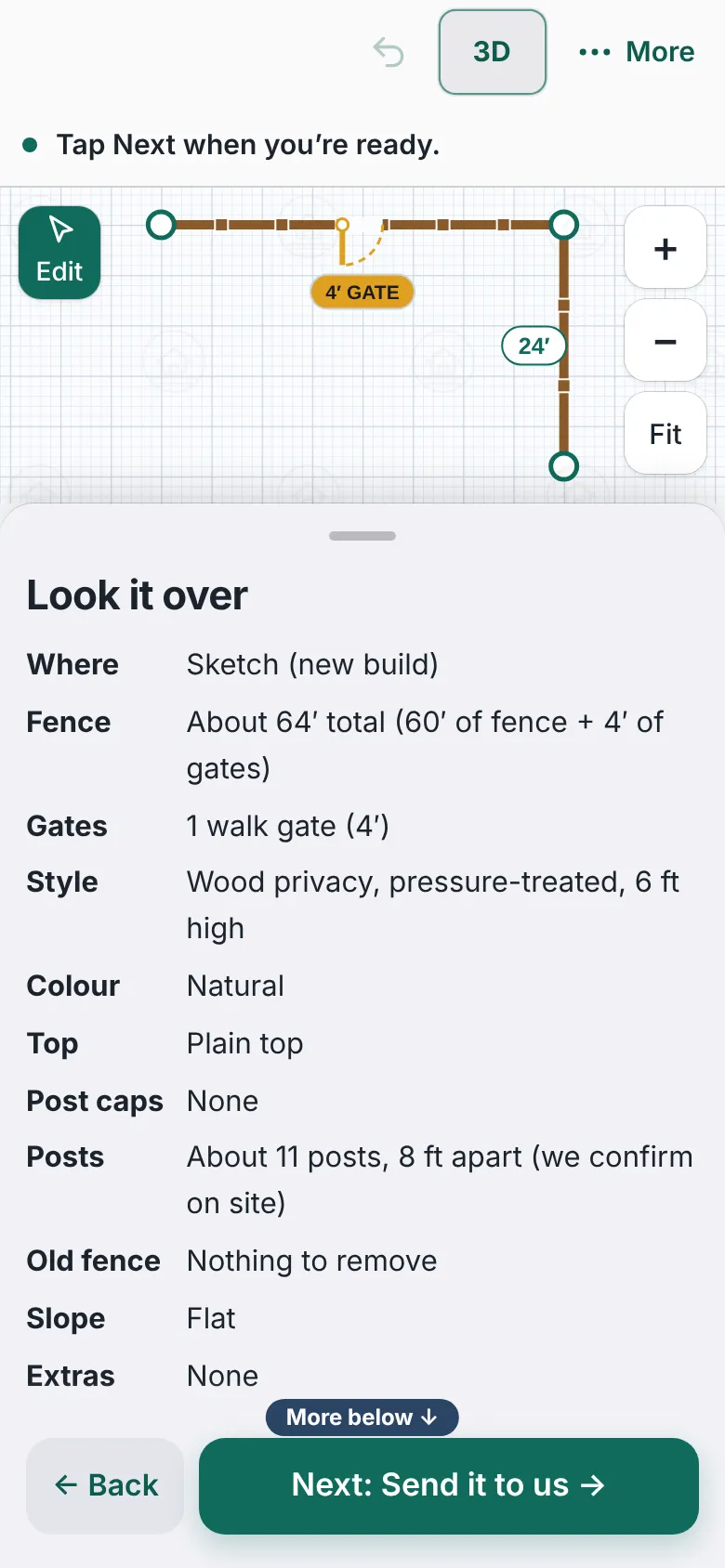
The Look it over step with a summary list of the fence: where, fence length, gates, style, color, posts, old fence and slope. - On Send, they see a picture and summary, then fill in name, phone, optional email, street address, town, timing and What would you like next?
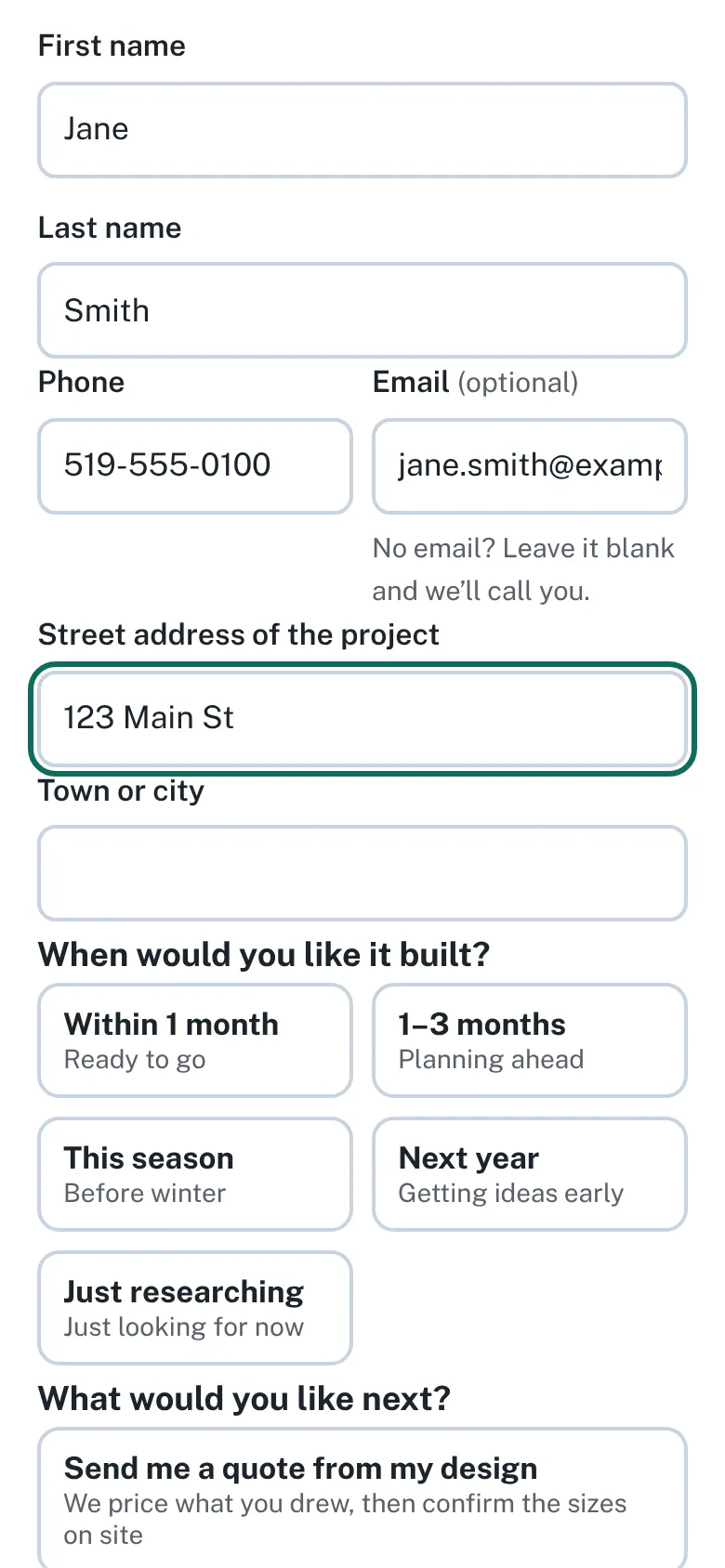
The Send step with the homeowner's name, phone, email and street address filled in with sample details. - They tap Send my fence for a quote. The page says Thanks! Your fence was sent to your company name and They’ll be in touch.


Good to know
- A few questions about the site (optional) and Add photos of the fence line (optional), up to 6, sit in the form.
- Each design arrives in Leads and by email, with the plan picture and a 3D picture attached.
- The homeowner cannot download or print the design.
- See the plan and 3D view.
Checked against the product on 2026-11-19.