If your plan ends or a payment fails
What the Billing page, the banner and your designer show when a payment fails or your plan has ended, and how to switch back on.
When a payment fails or a plan ends, DeckDraft tells you on every dashboard page. Your designers keep working for a short time after a failed payment, then stop.
If a payment fails
- A banner at the top says "Heads up: payment failed" and the date your designers keep working until.
- Open Billing. Payment says when it failed and to update your card.
- Press Manage billing, update your card on Stripe's secure page, and return.
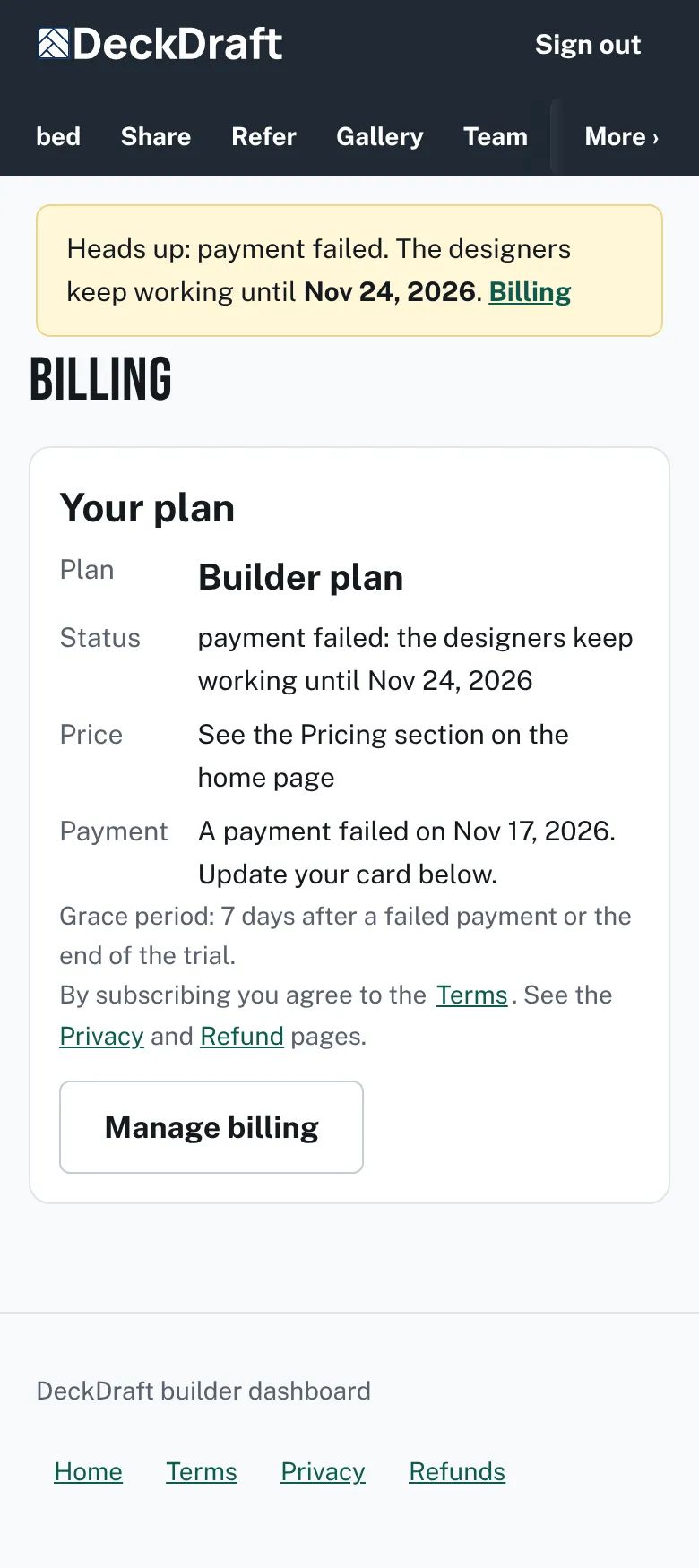
The Billing page after a failed payment, with a banner at the top, a Payment line that says to update your card, and a Manage billing button.

If your plan has ended
- The banner turns red: "Your designers are switched off", with the reason.
- Status on Billing reads Switched off.
- Your leads stay on the Leads page, and you can download them, until the date in the banner. After that they are hidden. Nothing is deleted, and they return when your plan starts again.
- Press Subscribe to start again.
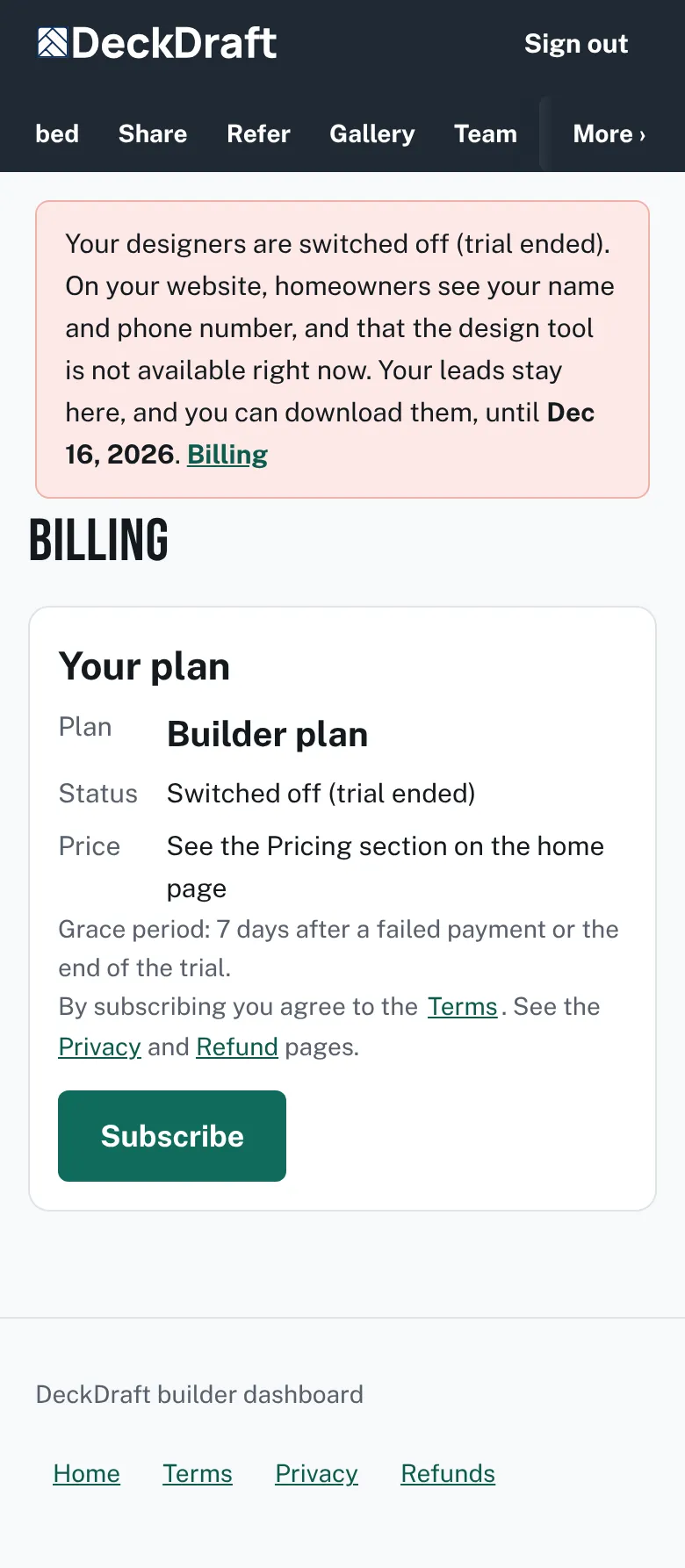
The Billing page after the plan ended, with a red banner saying the designers are switched off and a Subscribe button.

What homeowners see
Your designer page shows your name, "The design tool is not available right now.", and a Call button with your phone number. A Contact us link shows if you set a website.

Good to know
- The grace period and its length show on the Billing page itself.
- Nothing a homeowner already sent is lost.
- Only the account owner can fix billing. Members see "Only the account owner can change billing."
- Read the Terms and Refunds pages for the rules.
- See Download your leads to save a copy.
Checked against the product on 2026-11-19.