Stairs and wraparound steps
How a homeowner adds stairs or wraparound steps in the Height and stairs step, moves them, and takes them off.
Once the height is set, the designer asks how people get down. The homeowner can add stairs, add steps that wrap around the deck, or choose no stairs.
Steps
- After you set the height, choose Stairs, Wraparound steps or No stairs.
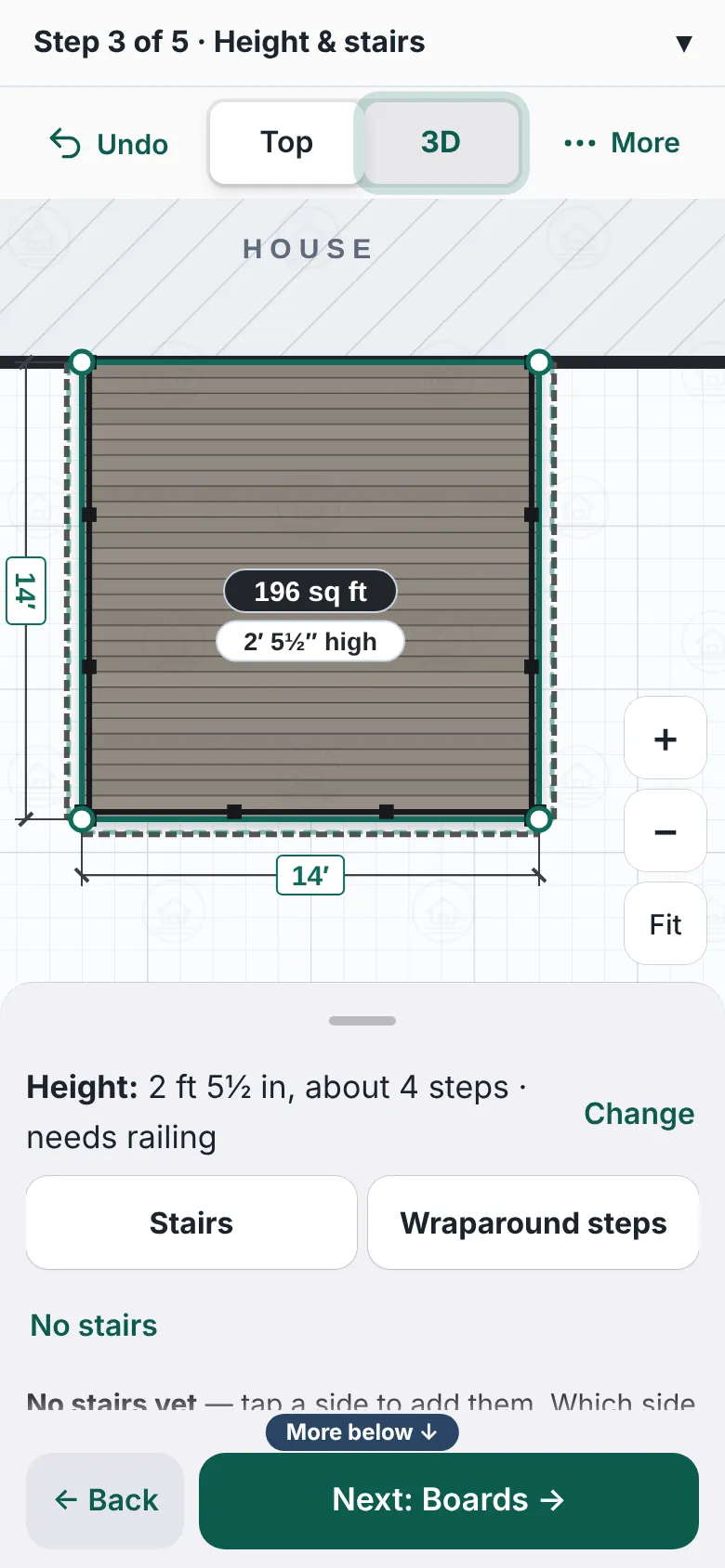
The panel after the height is set. It shows the height line, buttons for Stairs and Wraparound steps, a No stairs choice, and a line asking which side the stairs go down. - For stairs, press the side they go down: Left, Front or Right. Left and right are as seen from the yard, facing the house.
- Under Railing on the stairs? press Yes or No.
- To move them, press another side under Move them to another side. Or use ◀ Slide and Slide ▶, or drag them along the side.
- Change the width with − and +. The panel says Centered on this side when they are in the middle.
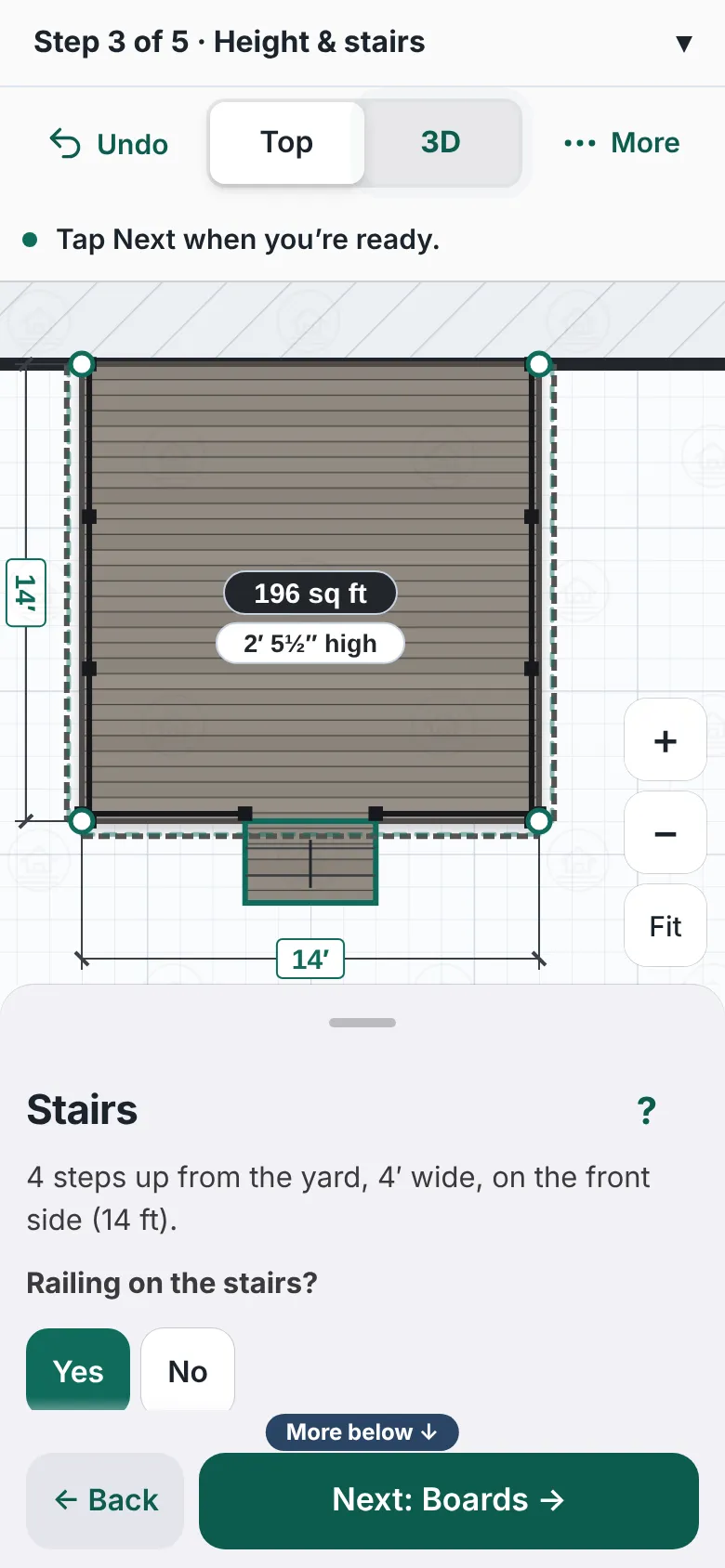
A 14 foot deck with stairs on the front side. The panel is headed Stairs and asks whether the stairs have railing, with Yes and No buttons, and lets you move them to another side. - For wraparound steps, press All the way around, or pick sides. Quick picks include Along the front.
- Press Done when the wraparound sides are right.
- Press Remove stairs to take them off, or ← Back to the deck. Then press Next: Boards.


Good to know
- The stairs line says how many steps up from the yard, for example "4 steps up from the yard, 4′ wide". The number follows the height.
- Add more stairs adds a second set. On the Your deck step you can also press a side and choose Add stairs here.
- Press Next before choosing and the designer says the deck has no way down yet. Choose a side, or No stairs.
- A curved side cannot hold stairs. See Curved edges.
- A bench cannot sit on stairs. See Benches.
- Back: Height of the deck. Next: Boards and look.
Checked against the product on 2026-11-19.