Railing on the deck
Pick a railing style, add a drink rail, and switch railing on or off for one side of the deck.
Railing is chosen in two places. The style is picked on the Boards & railing step. Railing on or off is set for each side of the deck.
Steps
- On Boards & railing, scroll to Railing.
- Press a style. The choices are the railing types you switched on.
- Optional: tick Add a drink rail: a wide flat board on top, to set drinks on. A Drink rail color choice appears.
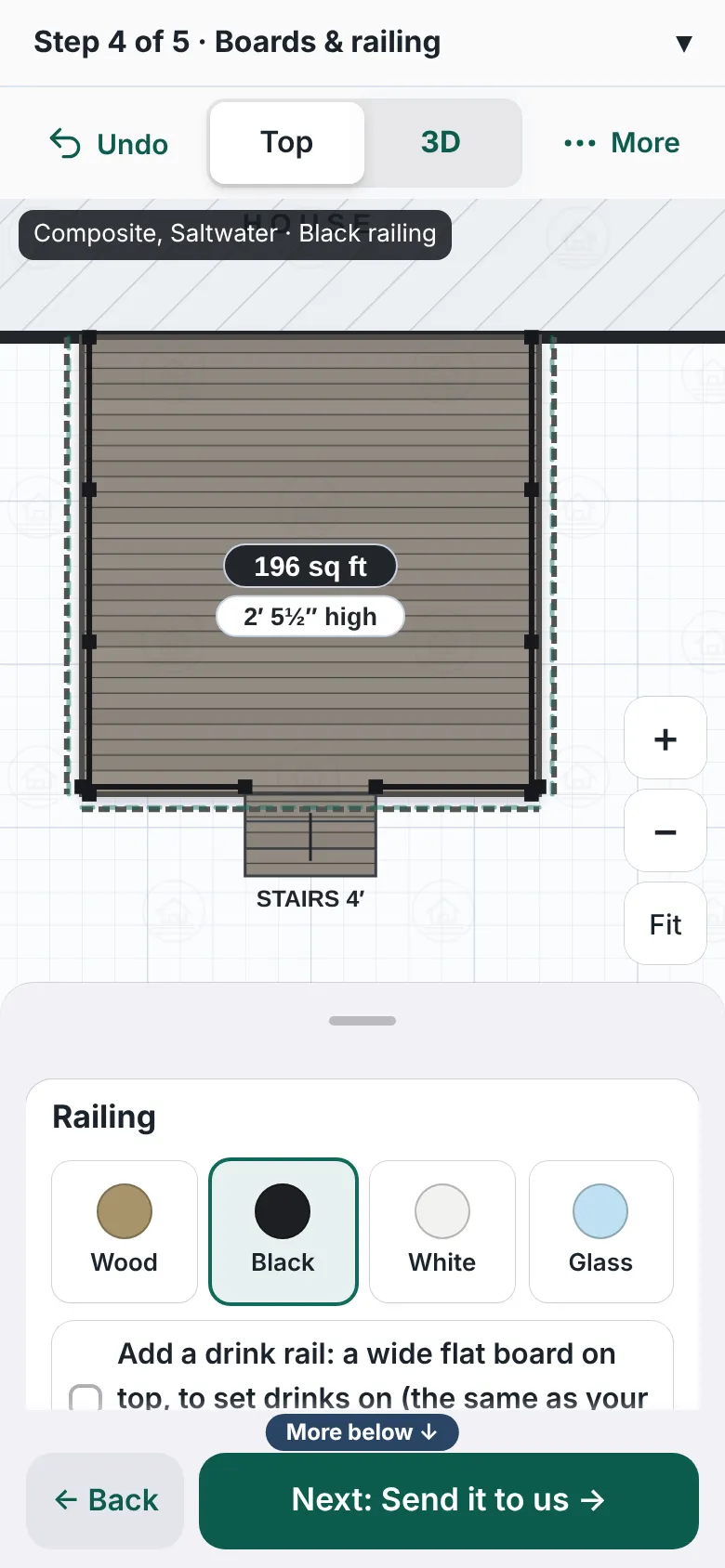
The Railing box in the Boards and railing panel. Four railing styles are shown with a colored dot each, called Wood, Black, White and Glass. A checkbox below offers a drink rail. - To change one side, go back to Your deck. Press the side of the deck.
- In the panel, press Railing: on or Railing: off to switch it.
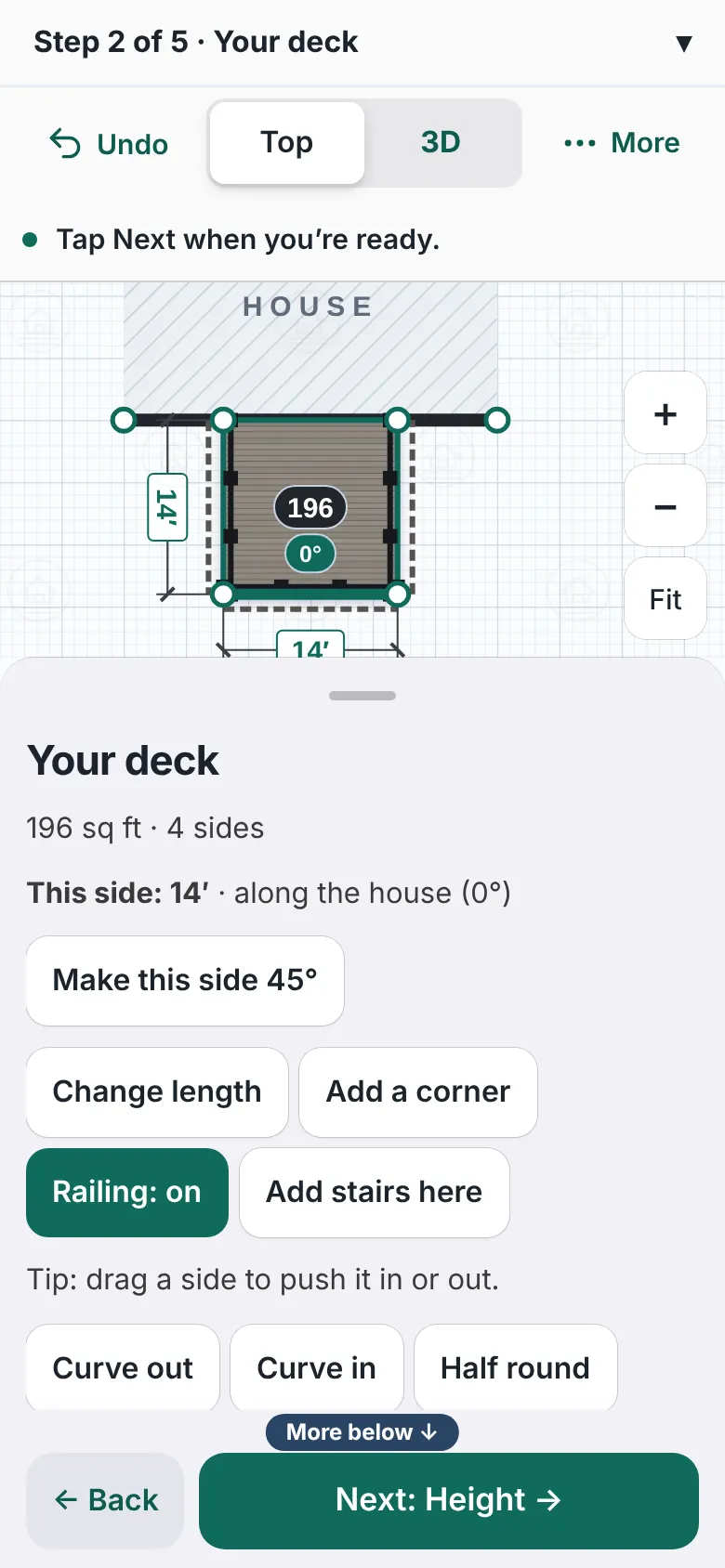
A deck with one side selected. The panel shows This side as 14 feet along the house, and a highlighted button that reads Railing on, next to Add stairs here. - Look at the label on the drawing, such as Railing 38 ft. It follows your changes.
- Press Next: Send it to us when it looks right.


Good to know
- The designer puts railing on the open sides of a deck that is high enough. The height step says needs railing when it will.
- The stairs have their own question, Railing on the stairs?: Stairs.
- A privacy screen can take the place of the railing on its side, or you can keep the railing in front of it.
- A bench takes the railing off the stretch it sits on.
- On a computer, the Layers button has a Railing tick. It chooses what the drawing shows.
- If you turned on brand lines for railing, homeowners pick a brand, line and color. See Choose railing and deck options.
- Back: Boards and deck look.
Checked against the product on 2026-11-19.