Step 1: Your house
Set the back wall of the house, add a patio door, and choose the siding and roof the homeowner sees in 3D.
The first step is the back wall of the house, where the deck will be fastened or stand beside. It also sets how the house looks in 3D.
Steps
- On a computer, press Start me with a straight 30 ft wall. Or press Draw the wall myself, or My deck won’t touch the house.
- On a phone the 30 ft wall is already there. Skip to the next step.
- To change the length, press the green measurement on the drawing and type the new number.
- Optional: press Add a patio door (optional). Pick 6′ patio door, 8′ patio door, French doors or 36″ single door.
- Set how high the door sill is above the yard. Slide the door along the wall with ◀ Slide and Slide ▶, or drag it.
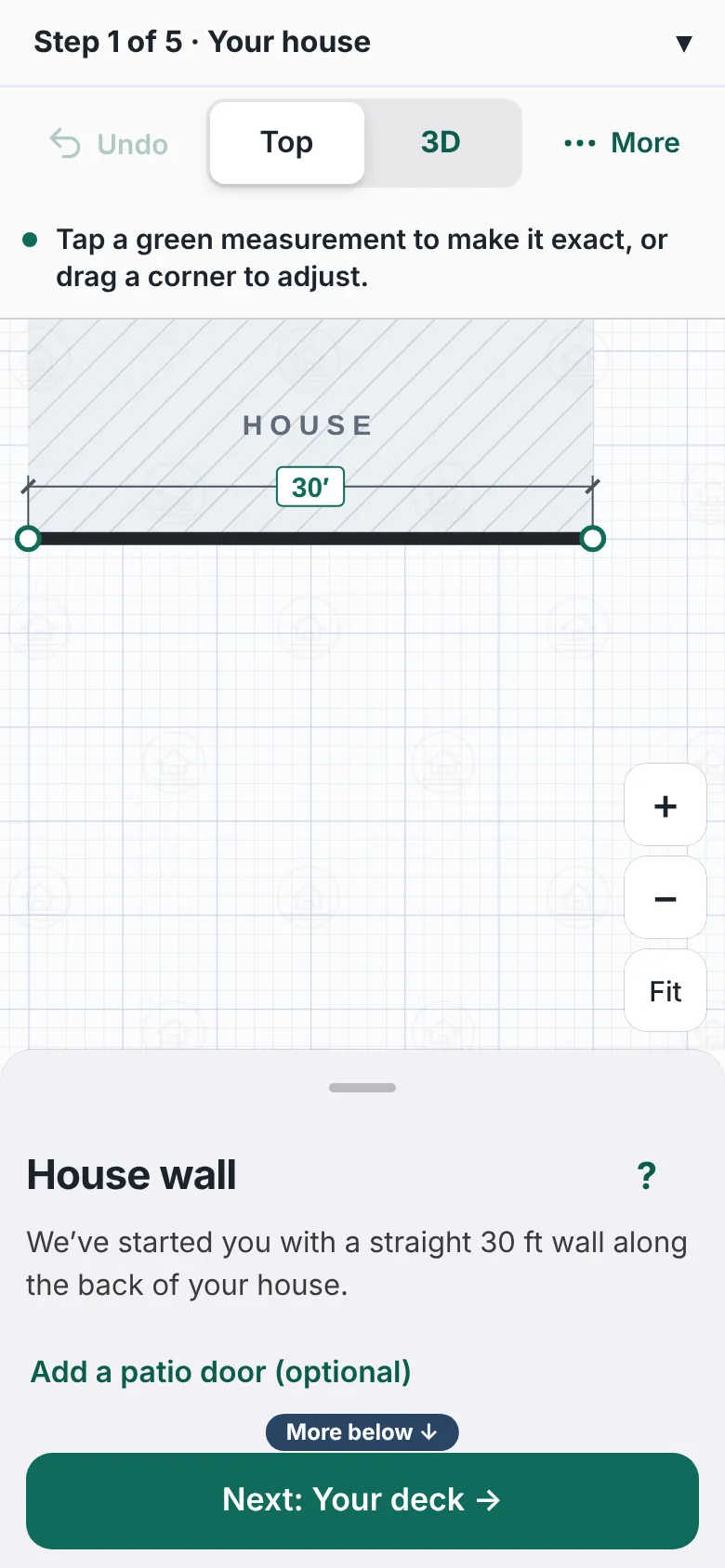
The first step with a 30 foot house wall drawn. The panel on the right is headed House wall and lists Add a patio door, Walls siding and roof, Redraw the wall and My deck won't touch the house. - Optional: press Walls, siding & roof (optional). Open Shape, Doors & windows, Wall height, Siding & colors and Roof.
- Under Siding & colors, press Match my deck, or pick a Main finish, a Color, a Lower accent and a Trim.
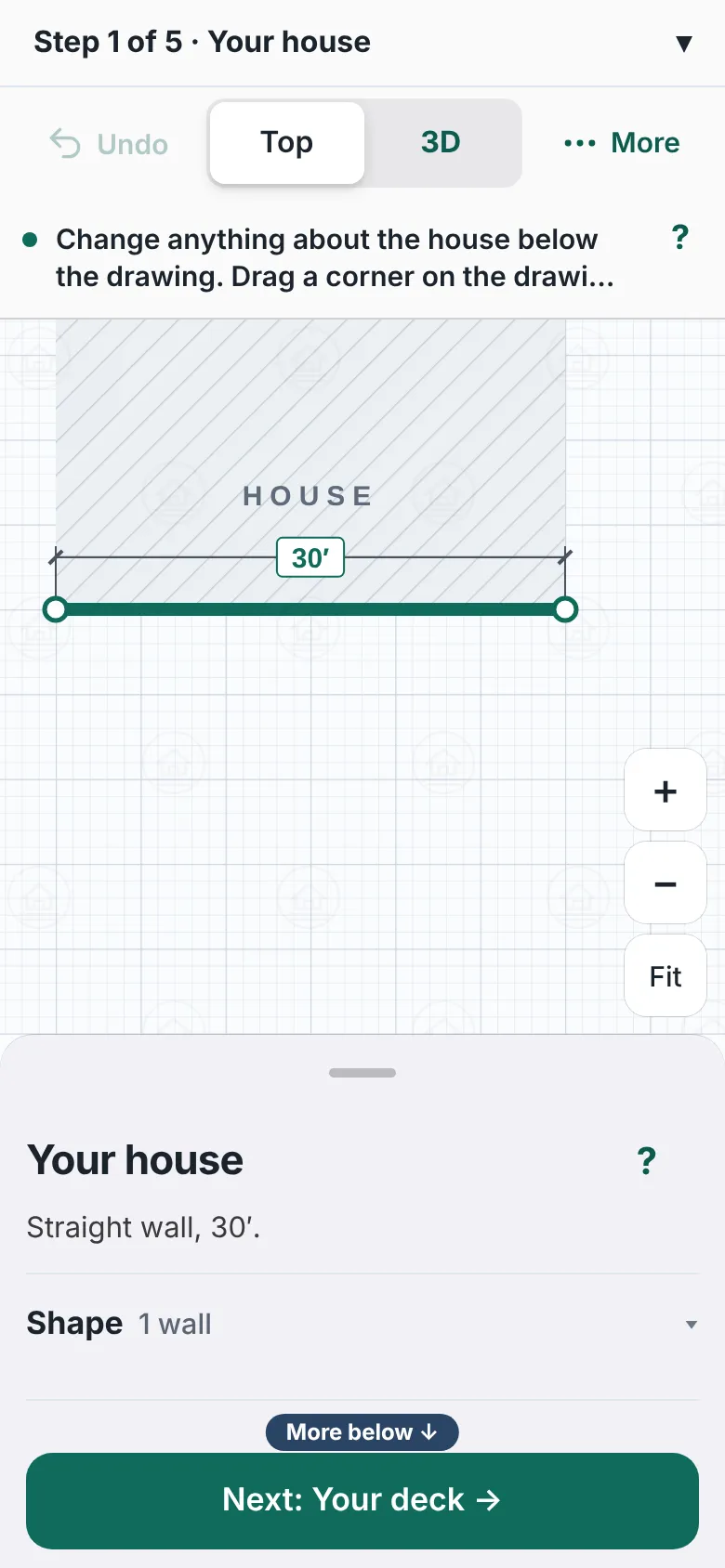
The Your house panel with folding sections named Shape, Doors and windows, Wall height and Siding and colors, and a Match my deck button. - Press Next: Your deck.


Good to know
- On a computer, Start me with a straight 30 ft wall moves you straight on to Your deck. Press Your house at the top to come back.
- Redraw the wall starts the wall again.
- A wall change shows on the drawing and in 3D right away.
- The siding, colors and roof you pick show on the drawing and in 3D.
- Next step: Your deck. All steps: The deck designer, step by step.
Checked against the product on 2026-11-19.